
Fly VFR with total
situational awareness.
GPS Air Navigator turns your Android phone or tablet into a real-time moving map for VFR flying — airspace, terrain, weather and routes, all in the cockpit, online or fully offline.
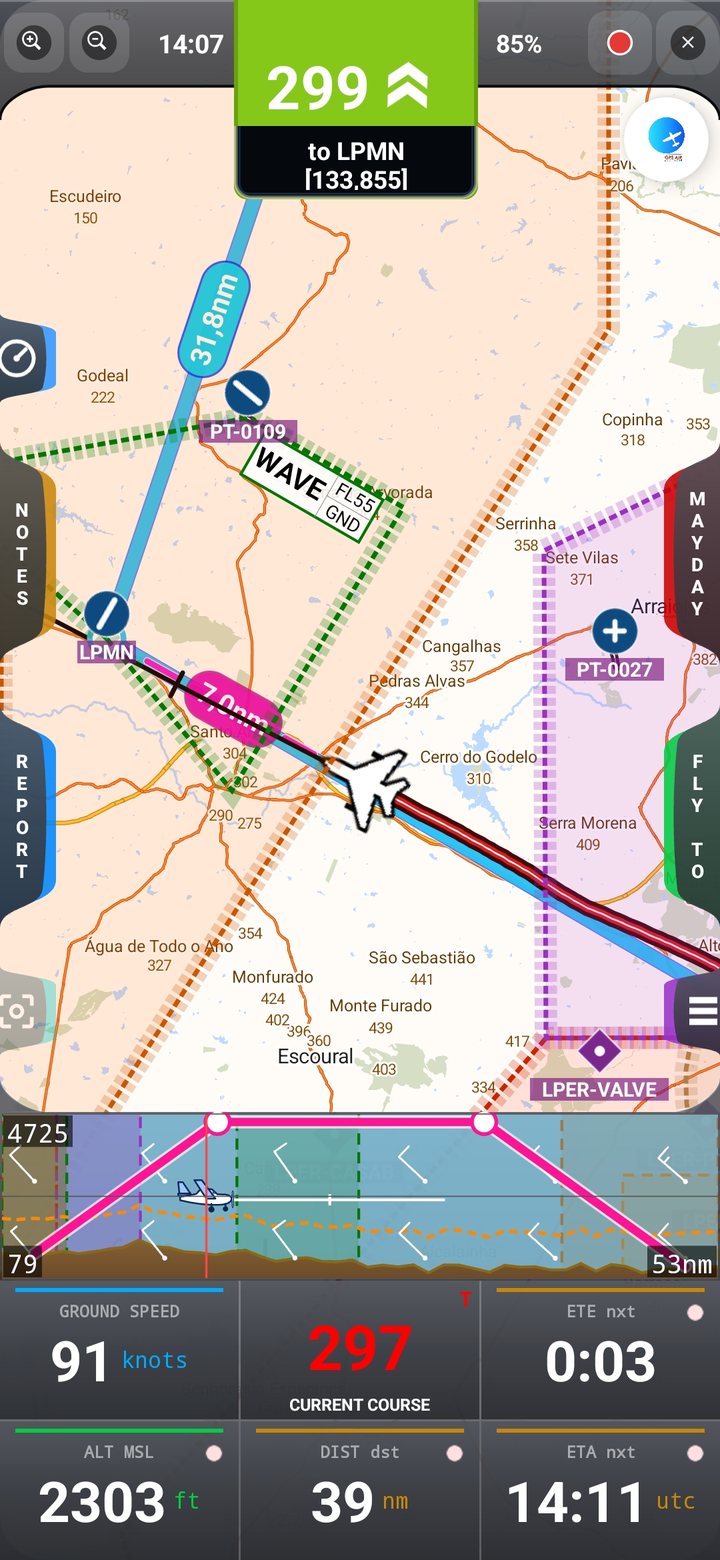
Everything in the cockpit
One app, every VFR flight tool you need
Built from the ground up for VFR pilots — the features that matter in the air, kept fast and legible in bright sunlight and turbulence alike.
Flight simulator mode
Connect X-Plane or Microsoft Flight Simulator and practise routes, airspace and terrain at home.
Analog instruments
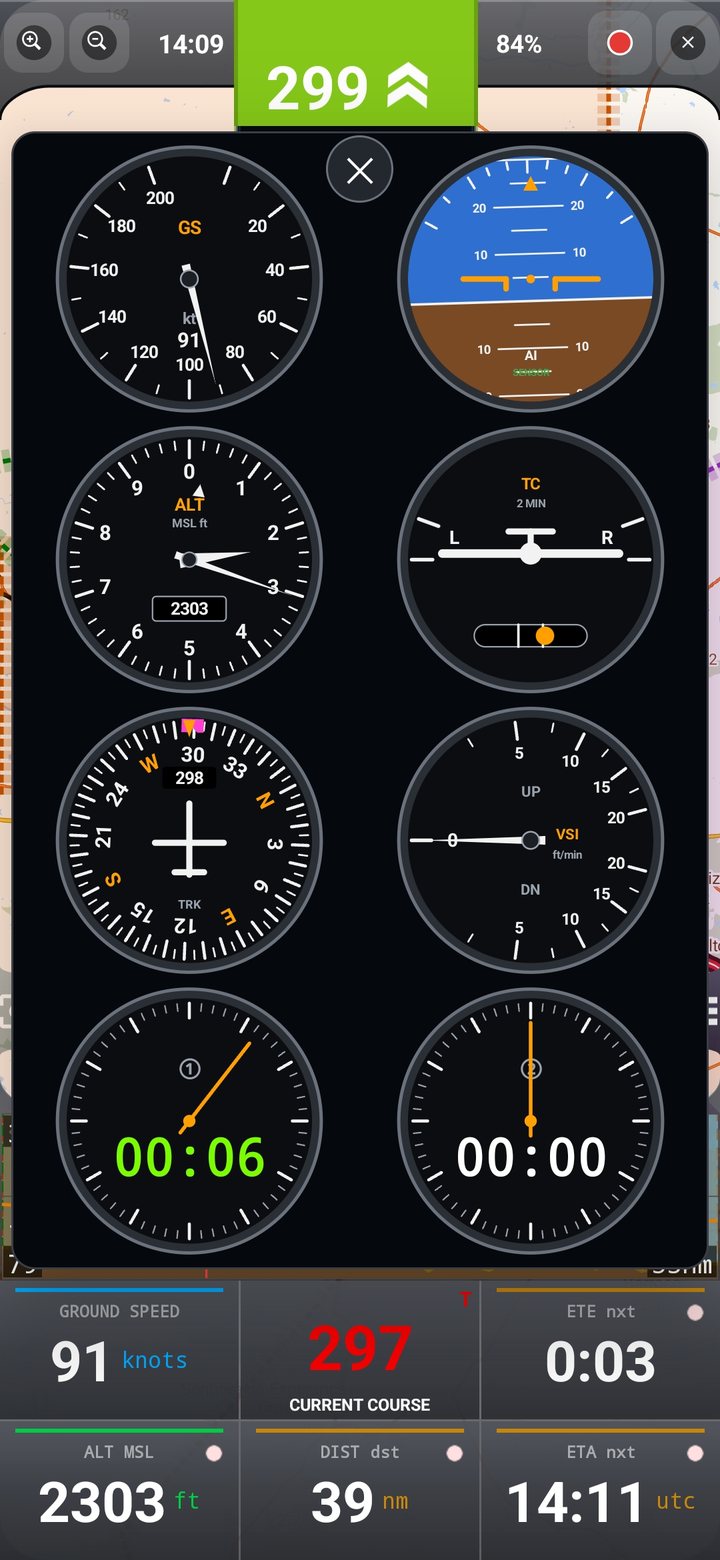
The Sacred Six — airspeed, attitude, altimeter, turn, heading and vertical speed — plus two stopwatches.
VAC charts & Docs
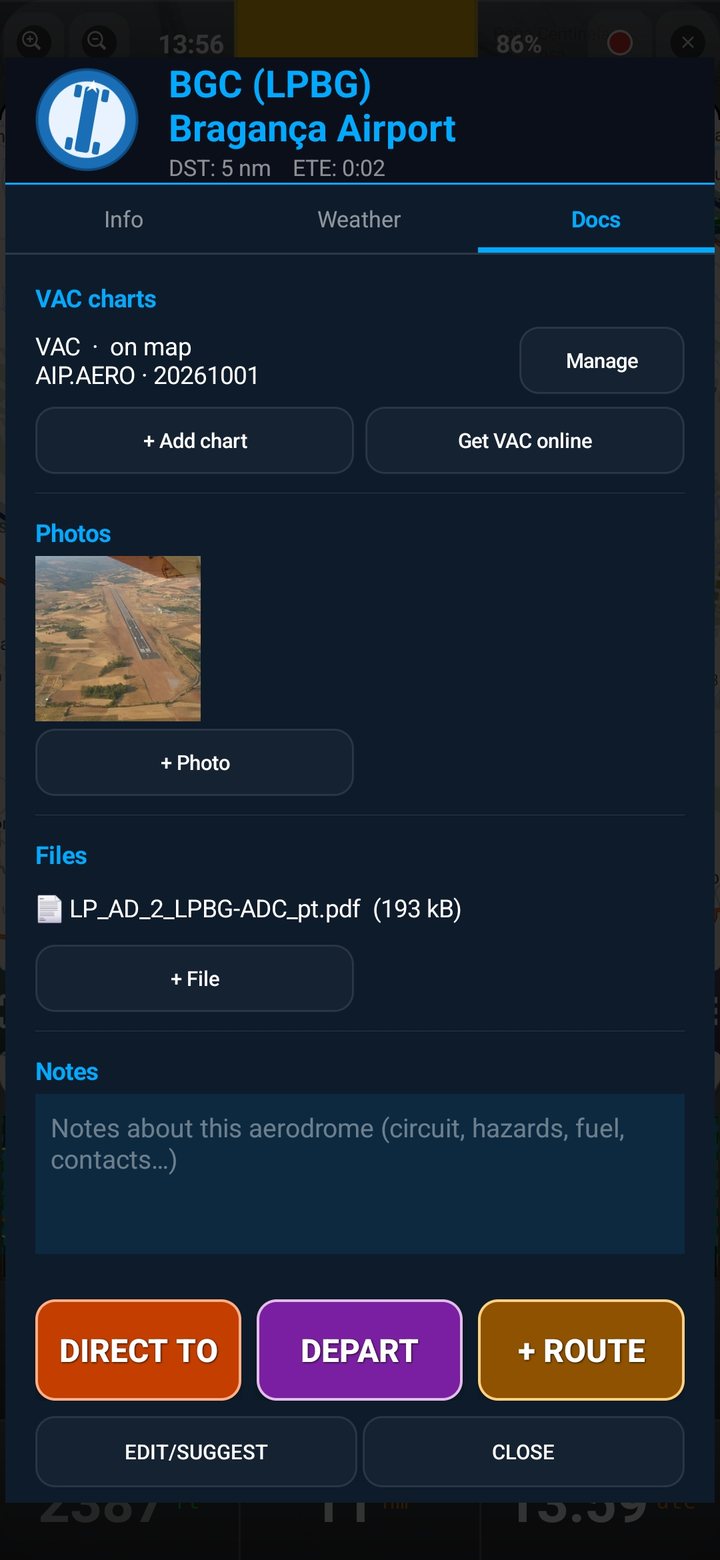
Aerodrome charts aligned on the map, and photos, files and notes for every waypoint.
Real-time moving map
Vector and raster VFR charts, with offline coverage across multiple continents — no signal, no problem.
Airspace awareness
Colour-coded CTR, TMA, R, P, D, ATZ, RMZ and TMZ zones, with proximity alerts before you get close.
Terrain profile
Live elevation graph ahead of the aircraft, with collision warnings relative to your current altitude.
Weather & NOTAM
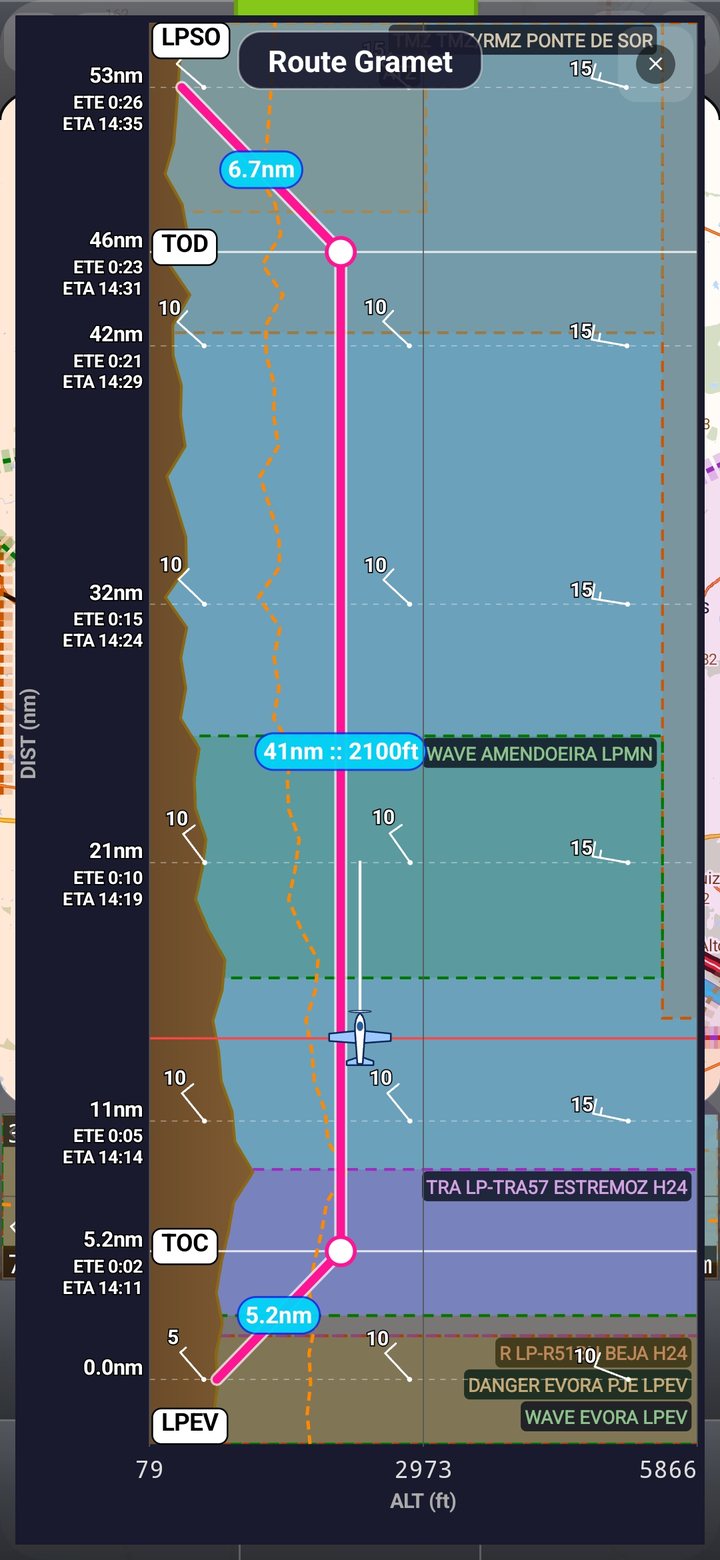
METAR, TAF and NOTAM for any airfield, plus GRAMET terrain-weather charts along your route.
80,000+ waypoints
A global database of airports, heliports and waypoints, plus unlimited user waypoints — airfields or reference points — that you create, edit, import and export.
Routes & Fly To
Build multi-leg routes with ETE/ETA, Direct To and Depart, drag route points on the map, and edit the flight profile — TOC, TOD and cruise — on the terrain graph or the GRAMET.
Flight logbook
Automatic flight recording with landings, editable statistics, aircraft and pilot profiles, totals by pilot and by aircraft, and shareable flight reports.
True or Magnetic North
Switch your navigation reference in one tap, with live magnetic declination for your position.
MAYDAY
One tap shares your exact position and starts a route to the nearest safe landing point.
Map layers
Show or hide airfields, heliports, VFR reporting points, navaids, track, compass, airspace and terrain — keep the map exactly as clear as you need.
Import / export
Move your waypoints and routes between devices, or share them with other pilots in seconds.
All your devices
One license covers every Android phone and tablet signed in with your Google account.
Heliports, VRPs & navaids
Heliports, VFR reporting points (compulsory and optional) and VOR, VOR/DME, DME and NDB navaids on the map, with details one tap away.
Phone & tablet layouts
Layouts tuned for phones and tablets, in portrait and landscape, with redesigned side buttons and panels.
Download by region
Download maps, airspace and terrain by country or region before you fly, and keep navigating with no signal.
New in version 5.1.0
Flight simulator mode, analog instruments and VAC charts
- Flight simulator mode: use the app with X-Plane or Microsoft Flight Simulator
- Analog instruments (Sacred Six) with two stopwatches
- VAC charts aligned on the map, plus photos, files and notes for every waypoint
- Airspace on the terrain graph and GRAMET; TRA / TSA zones and classification by name
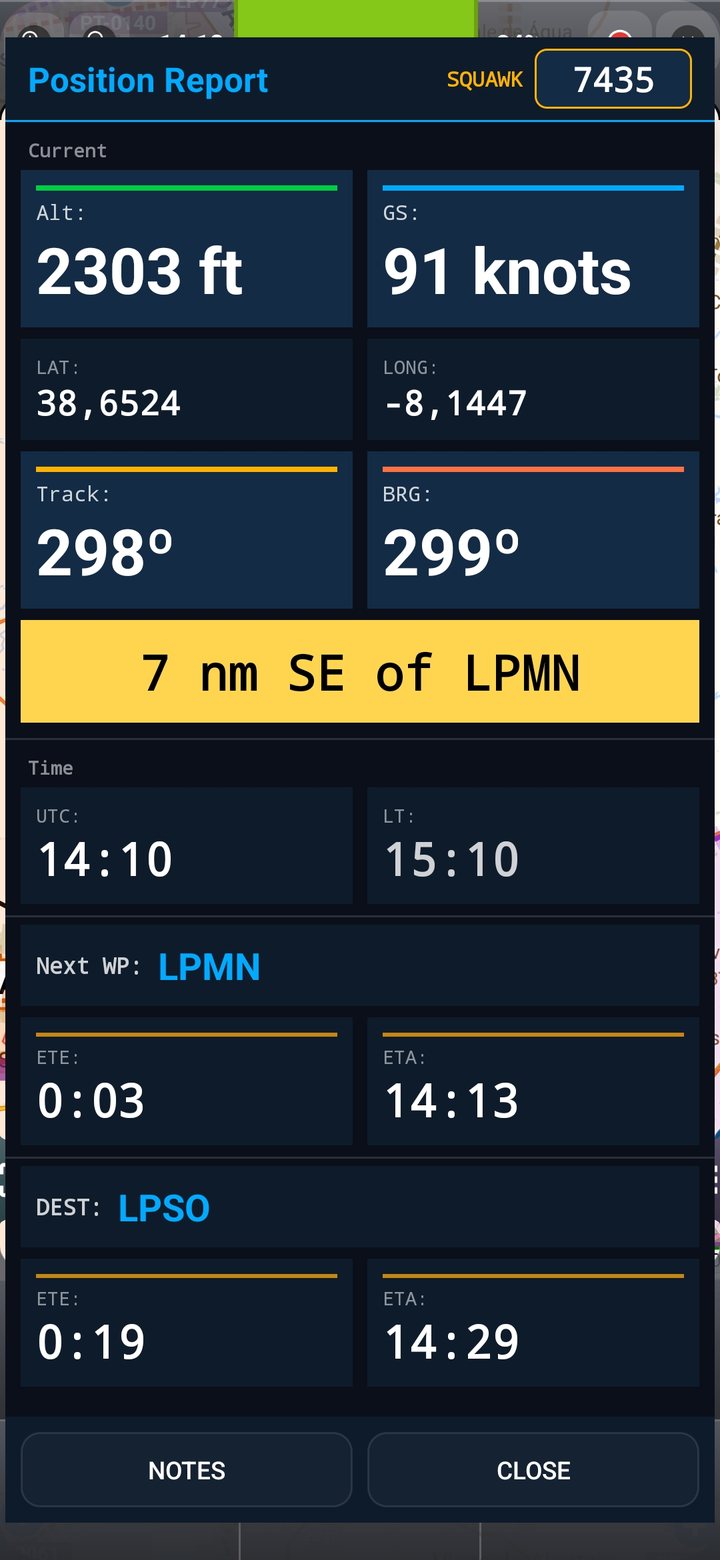
- Squawk field in the Position Report; MAYDAY always heads to the nearest aerodrome
- New world map and an updated manual in 6 languages
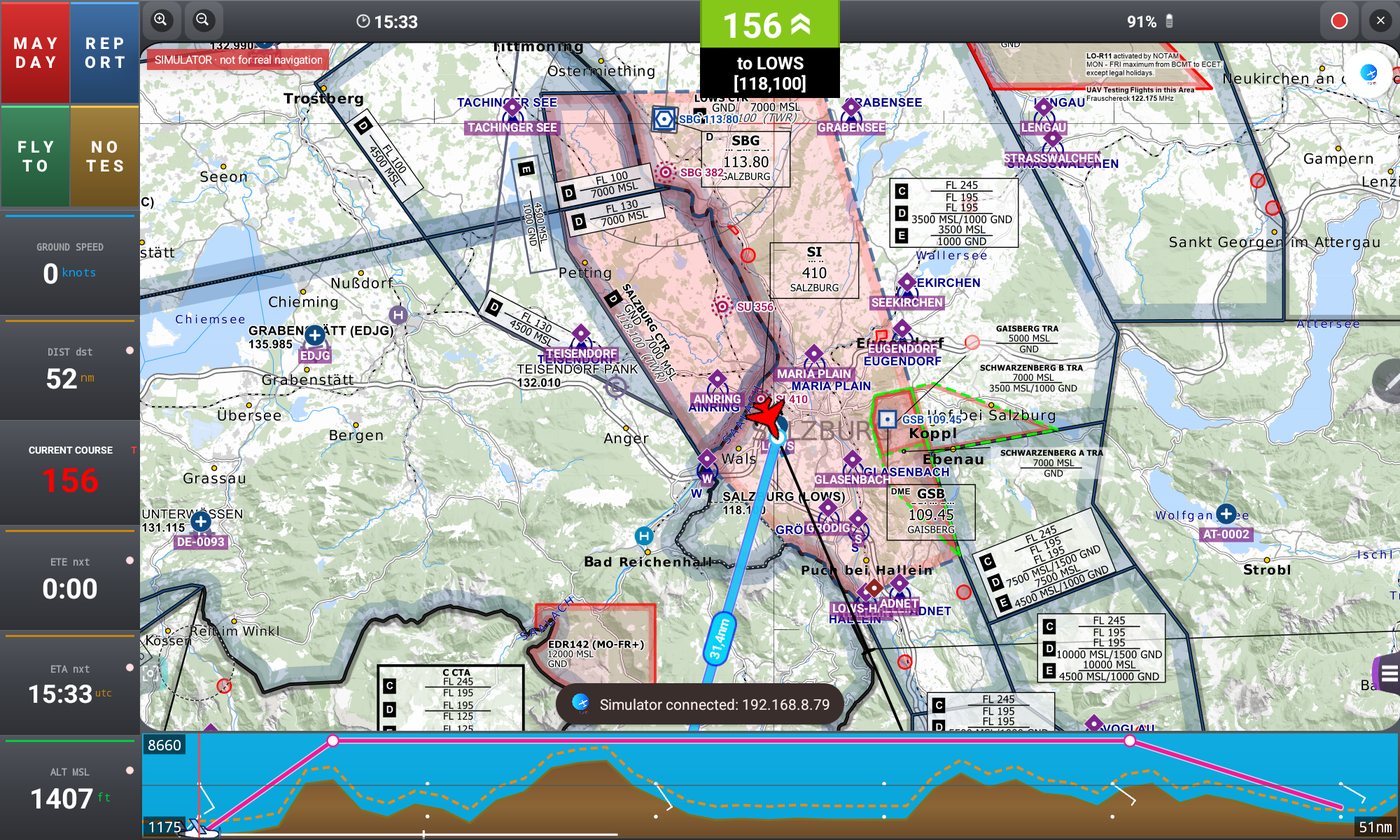
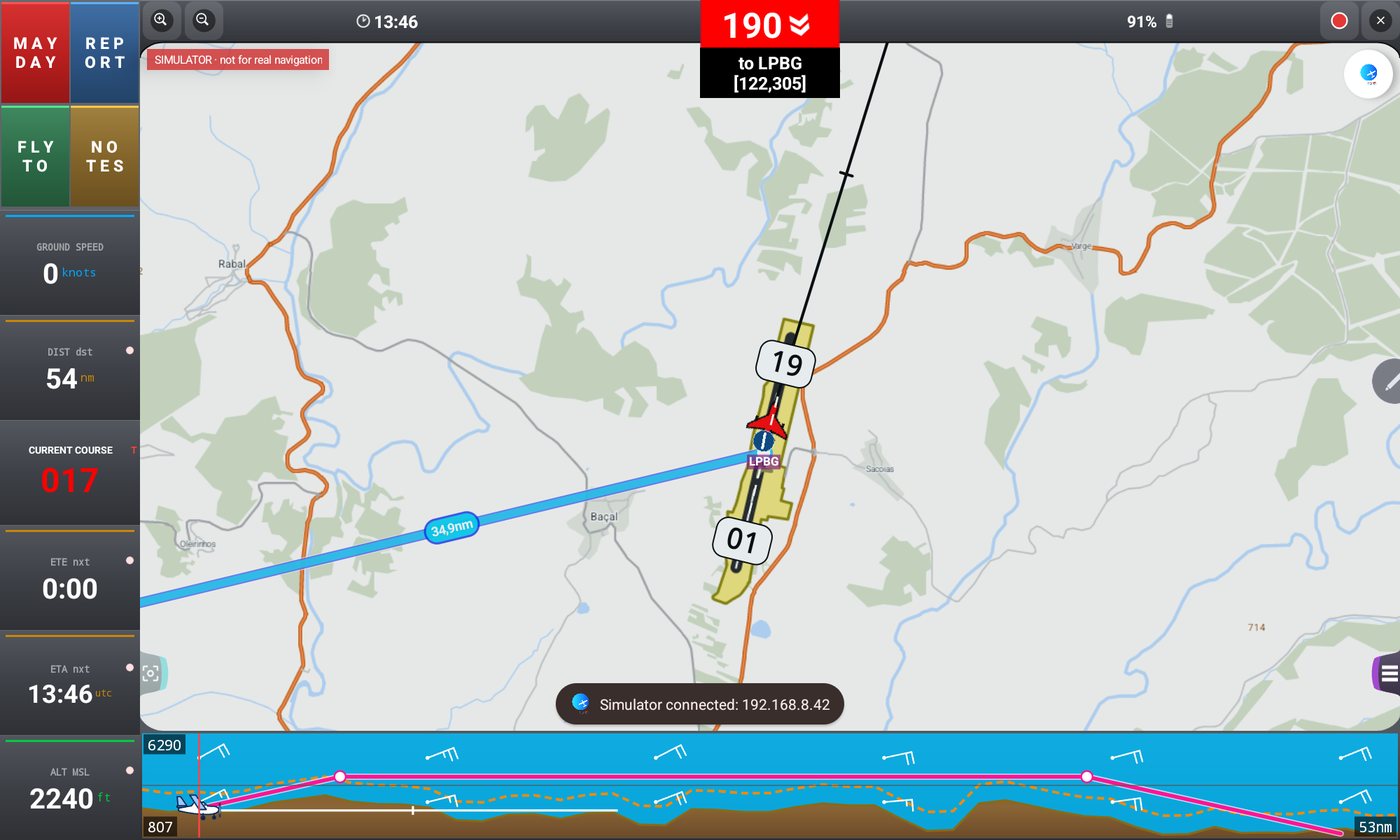
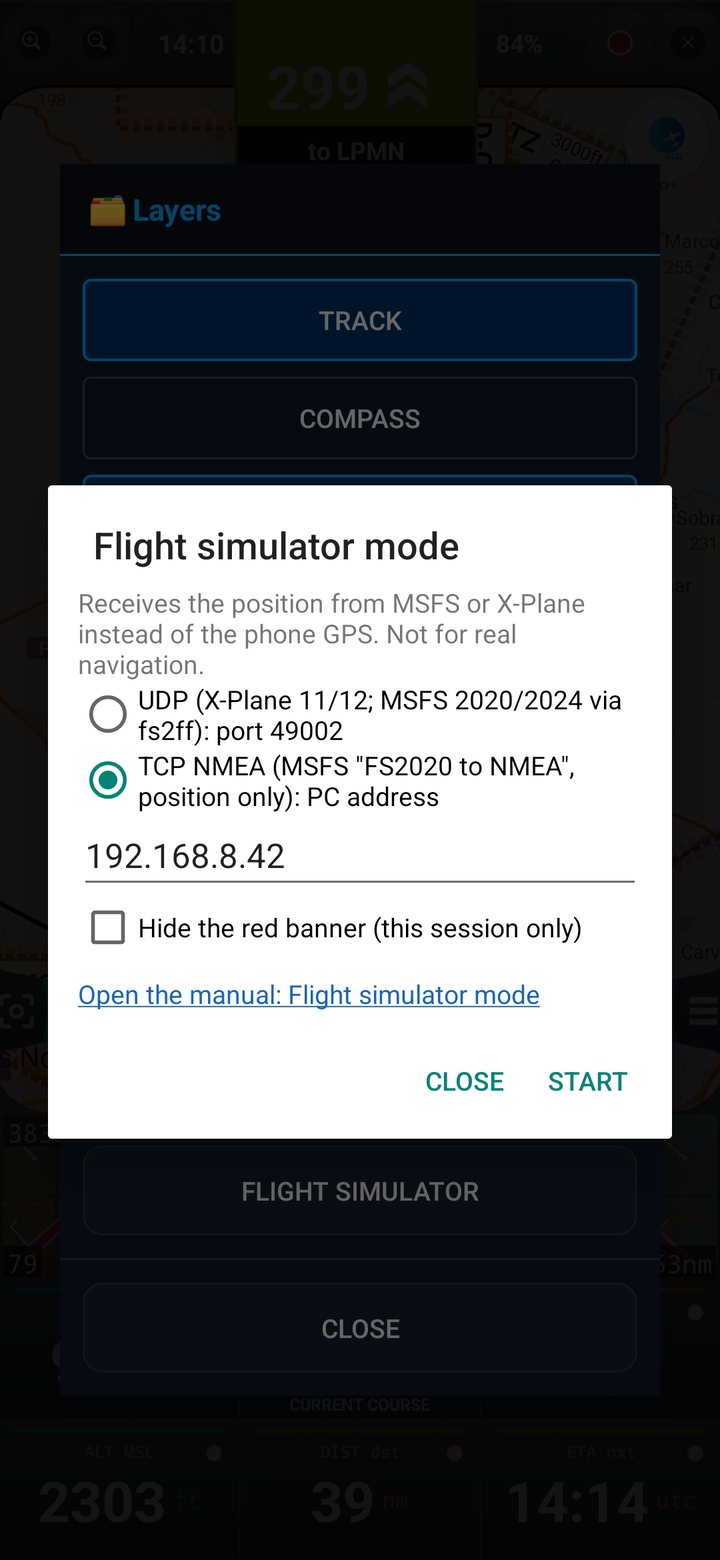
New · Flight simulator mode
Practise at home with X-Plane or Microsoft Flight Simulator
Position, track, speed and altitude come from your simulator instead of the GPS — rehearse routes, learn the app and plan a flight before flying it for real.
- X-Plane 11 and 12 connect directly — no extra software
- Microsoft Flight Simulator 2020 and 2024 through a small free program on your PC (fs2ff or FS2020 to NMEA)
- Everything works as in real flight: routes, Direct To, airspace alerts, terrain profile and the analog instruments
- Always clearly marked with a red “not for real navigation” banner
New · Analog instruments
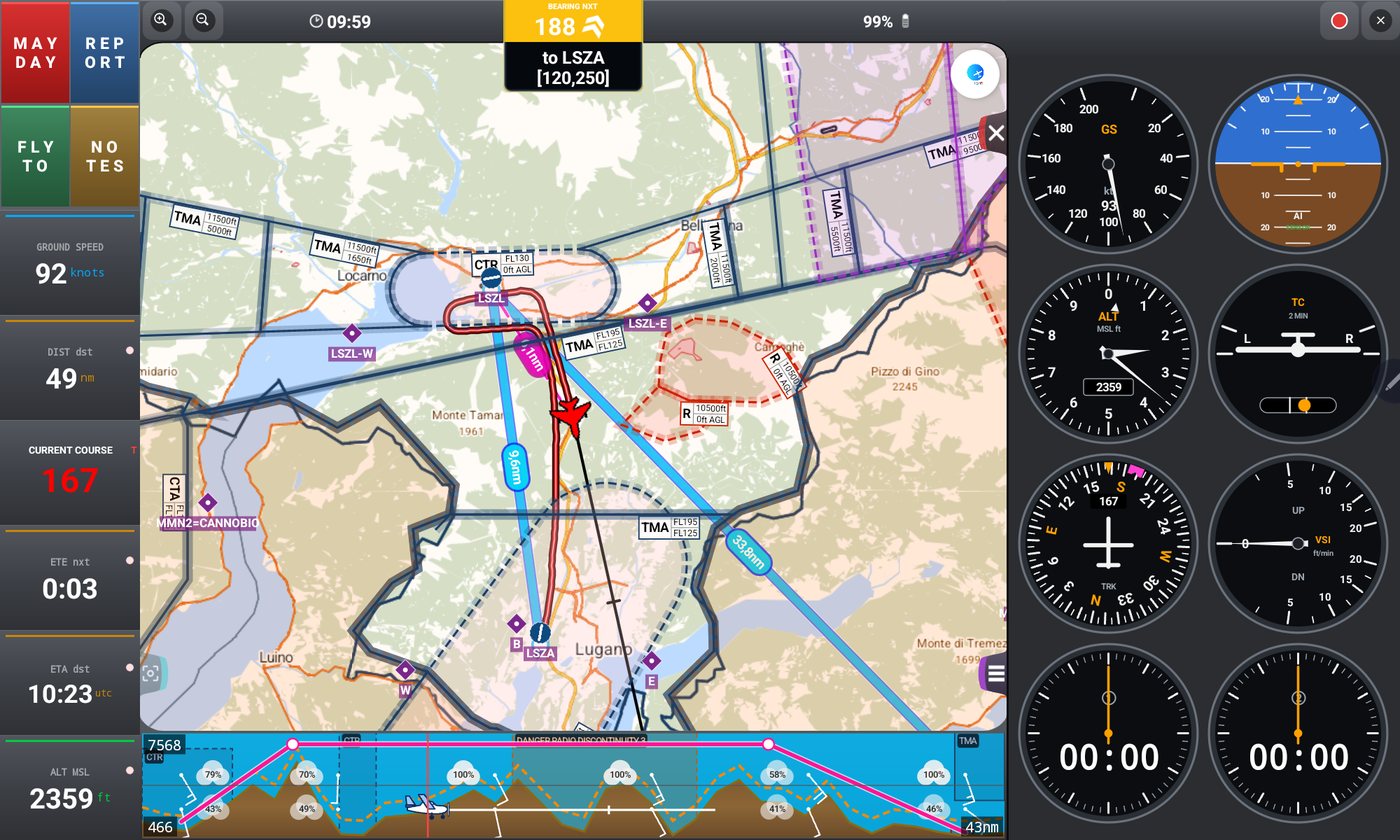
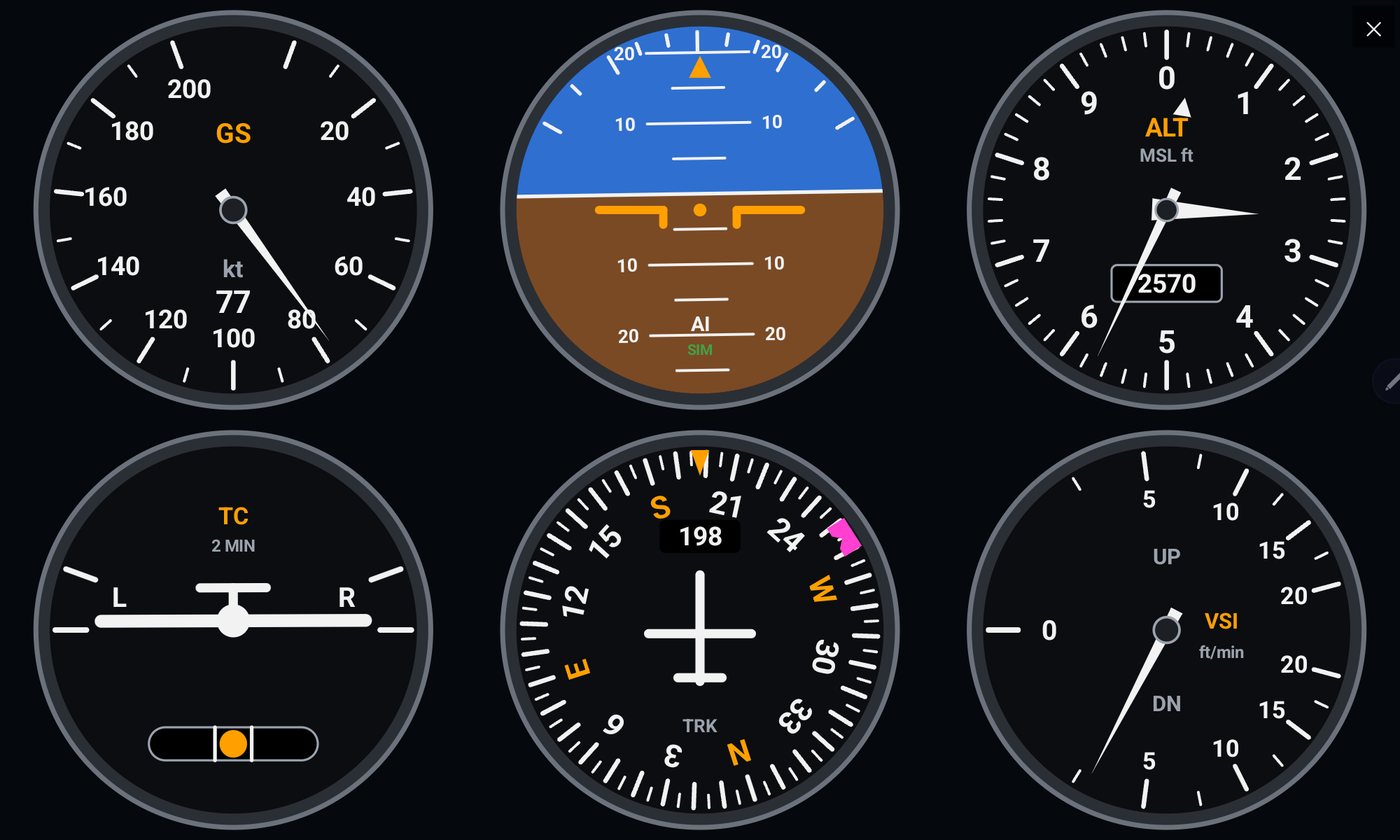
The Sacred Six, on your map
Airspeed, attitude, altimeter, turn coordinator, heading and vertical speed — drawn on screen and fed by the GPS and your device's sensors, with two stopwatches alongside.
- Docked beside the map on tablets, floating over it on phones
- Attitude from the device's motion sensors: calibrate with one tap, in any mounting position
- Altimeter follows your MSL / QFE setting; heading shows the bug to your next waypoint
- Two stopwatches that keep running, also available from the clock on the top bar
A navigation aid derived from GPS and device sensors — it does not replace the aircraft's real instruments.
New · VAC charts
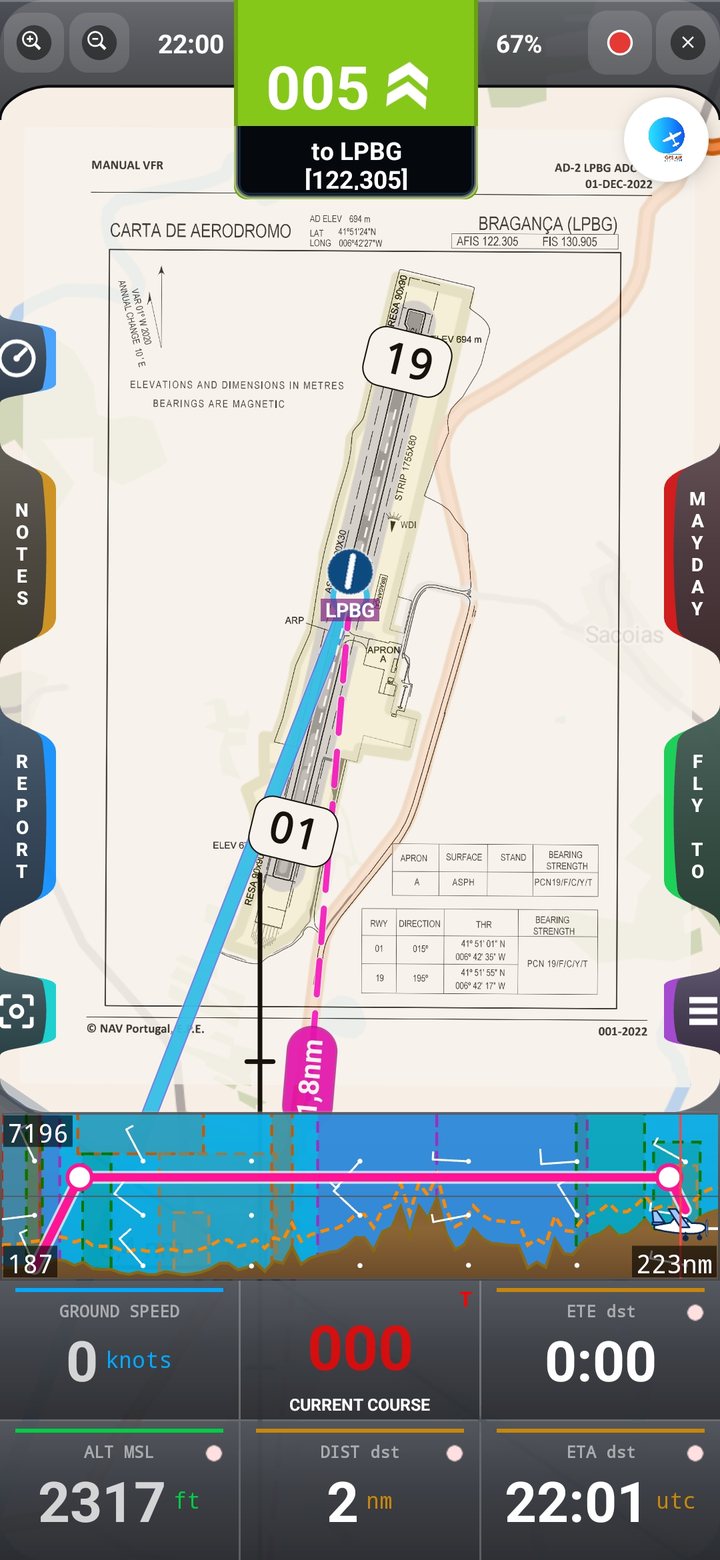
Your aerodrome chart, under your aircraft
Import the official VAC from the national AIP, align it on the map with two or more points and fly over it. Every waypoint also gets a Docs tab for charts, photos, files and notes.
- Import a PDF or image of the chart and see your position over it, with adjustable opacity
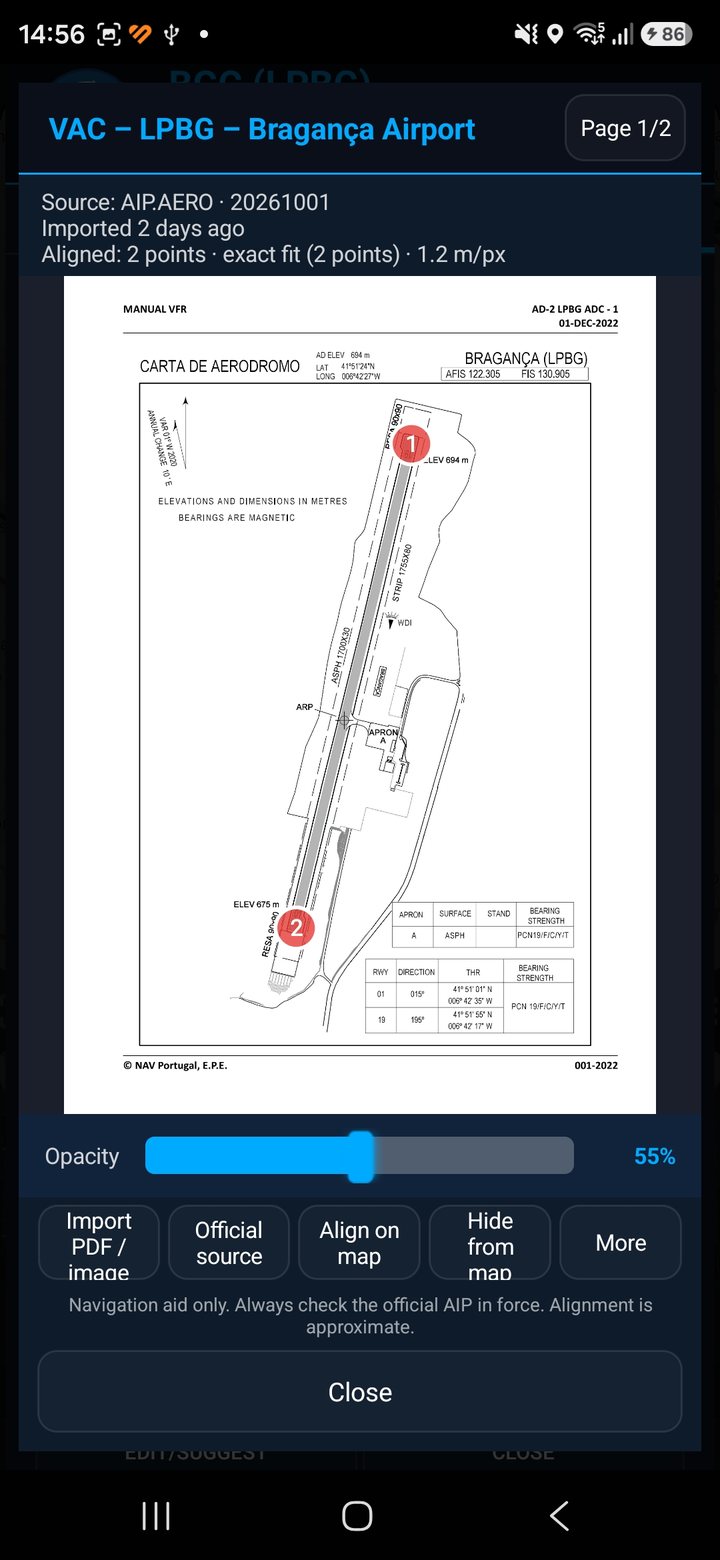
- Align by touching known points — runway thresholds, reference points or typed coordinates — with the error shown
- Several charts per aerodrome, with source and edition date always visible
- Photos, files and notes for each waypoint, saved on your device
Charts are not bundled: you download them from the official source. Always check the AIP edition in force.
See it in flight
A cockpit-ready interface
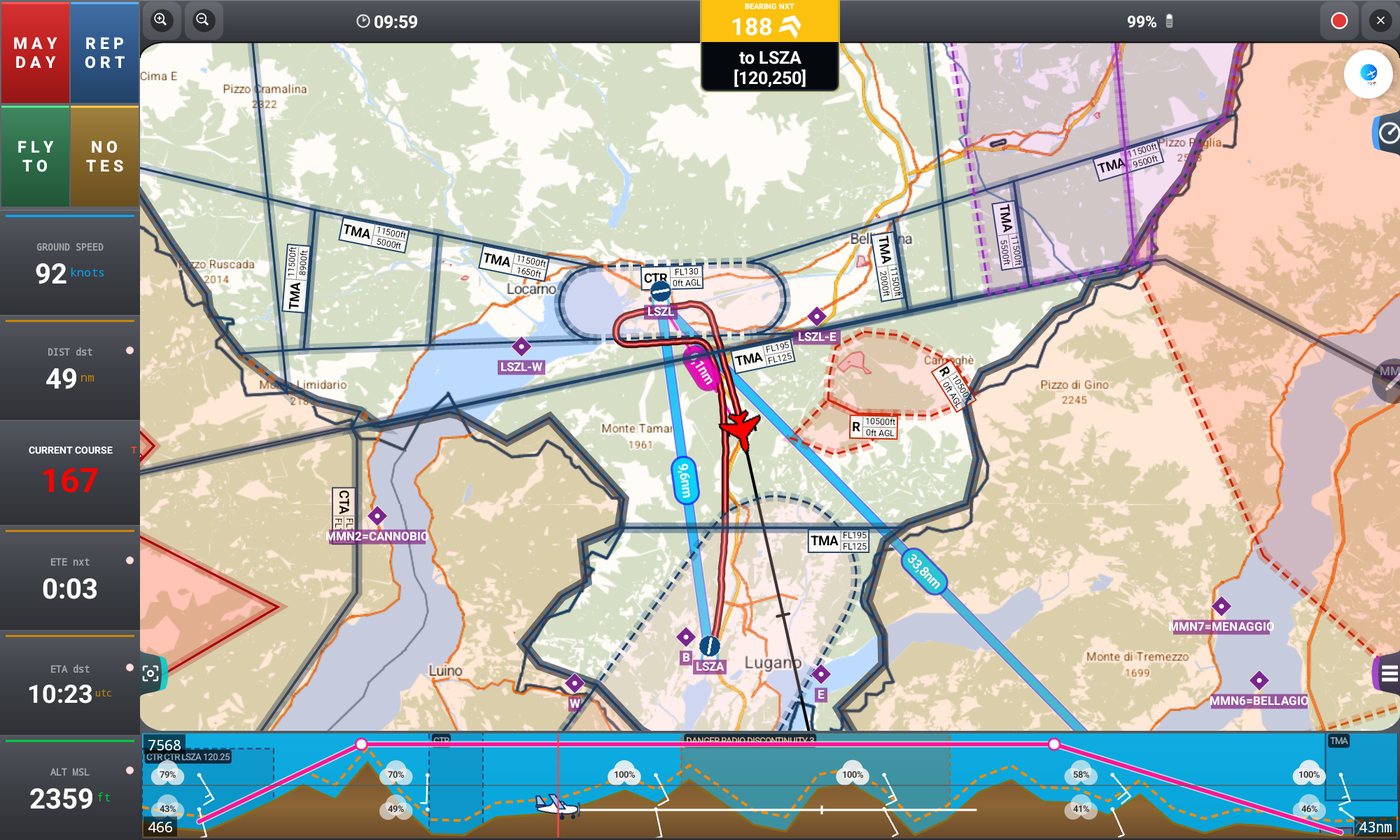
Designed for quick glances at arm's length — high-contrast colours, large touch targets and a dark theme that's easy on the eyes at dusk.
Moving map
Airspace + terrain, live
Flight simulator mode
X-Plane & MSFS
Analog instruments
Sacred Six + stopwatches
VAC chart on the map
Align & fly over it
Align the chart
Touch known points
Waypoint Docs
VAC, photos, files & notes
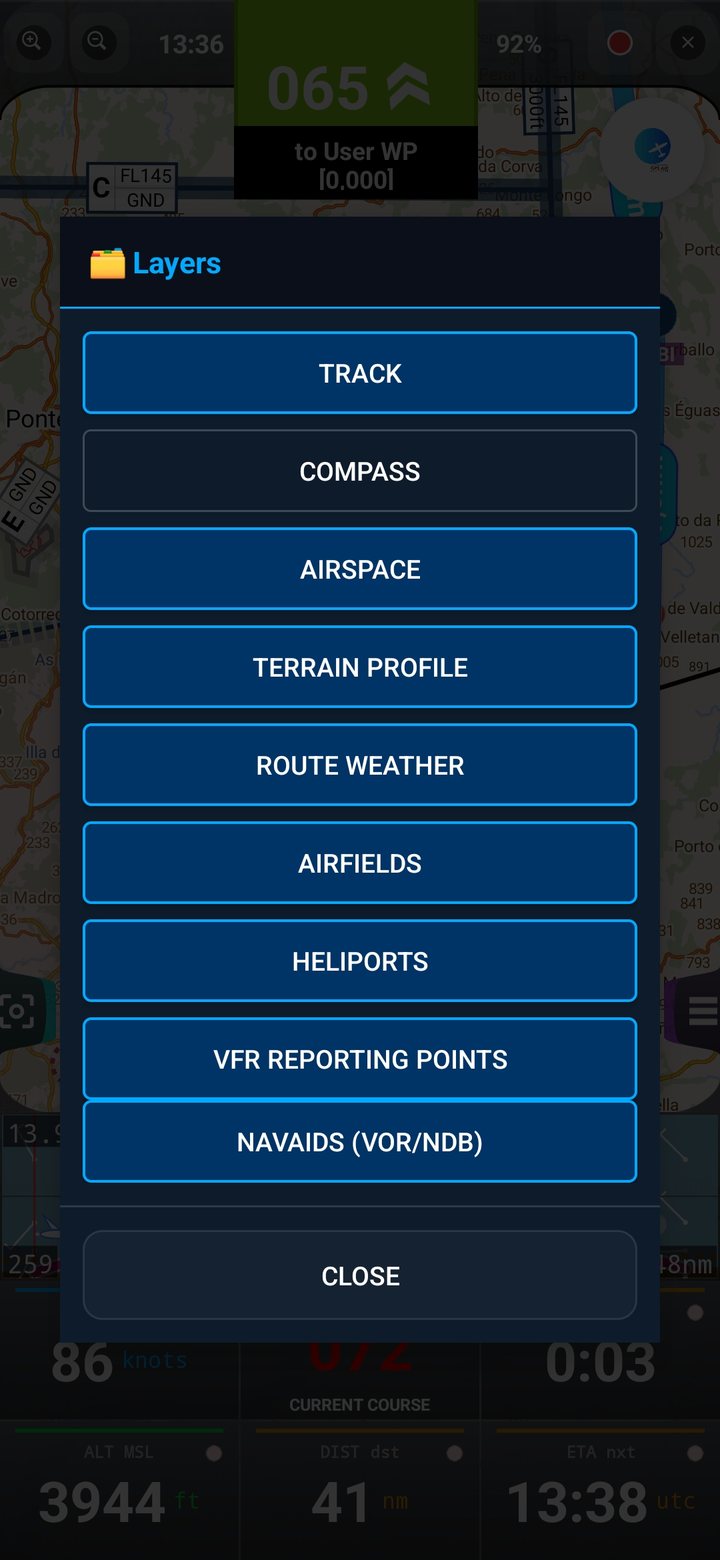
Layers
Show or hide
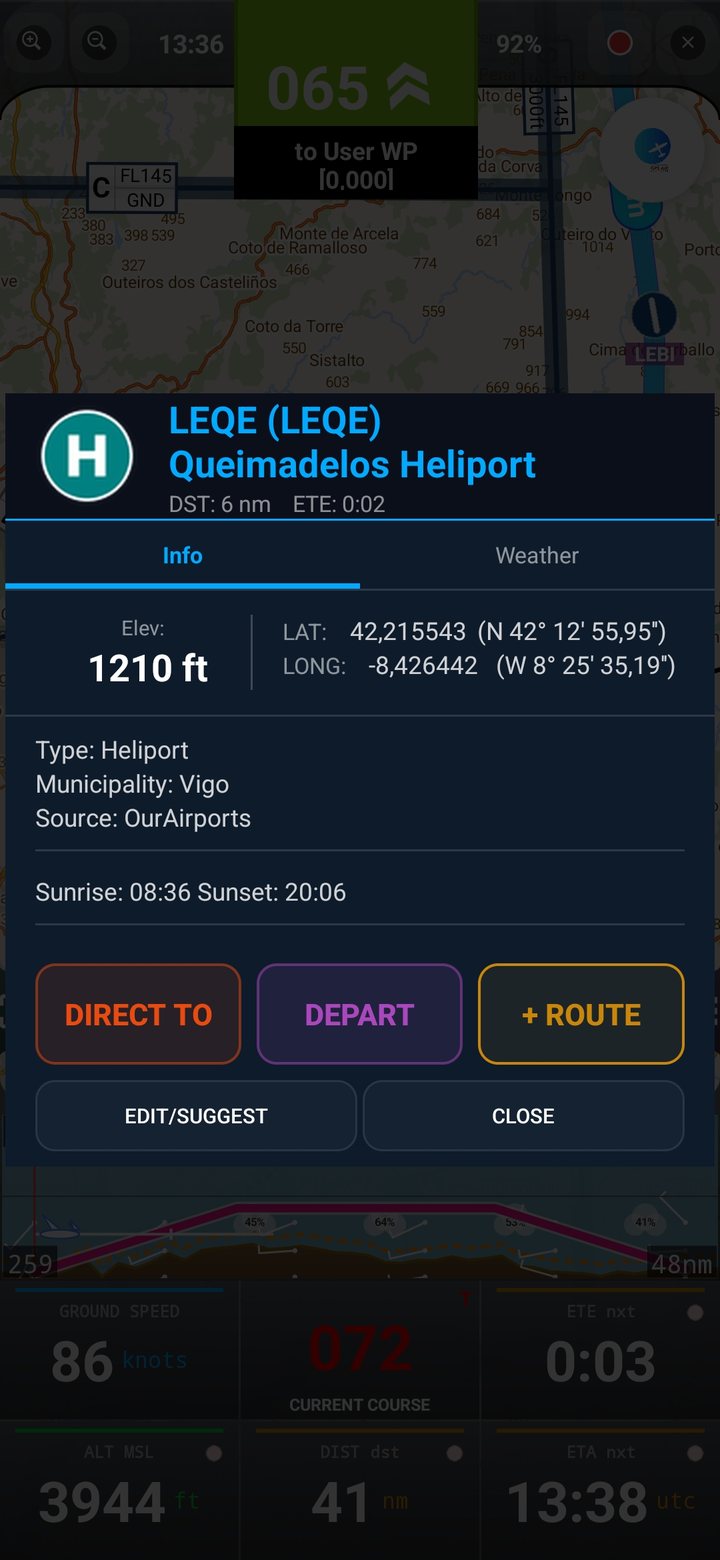
Heliports
Info & weather
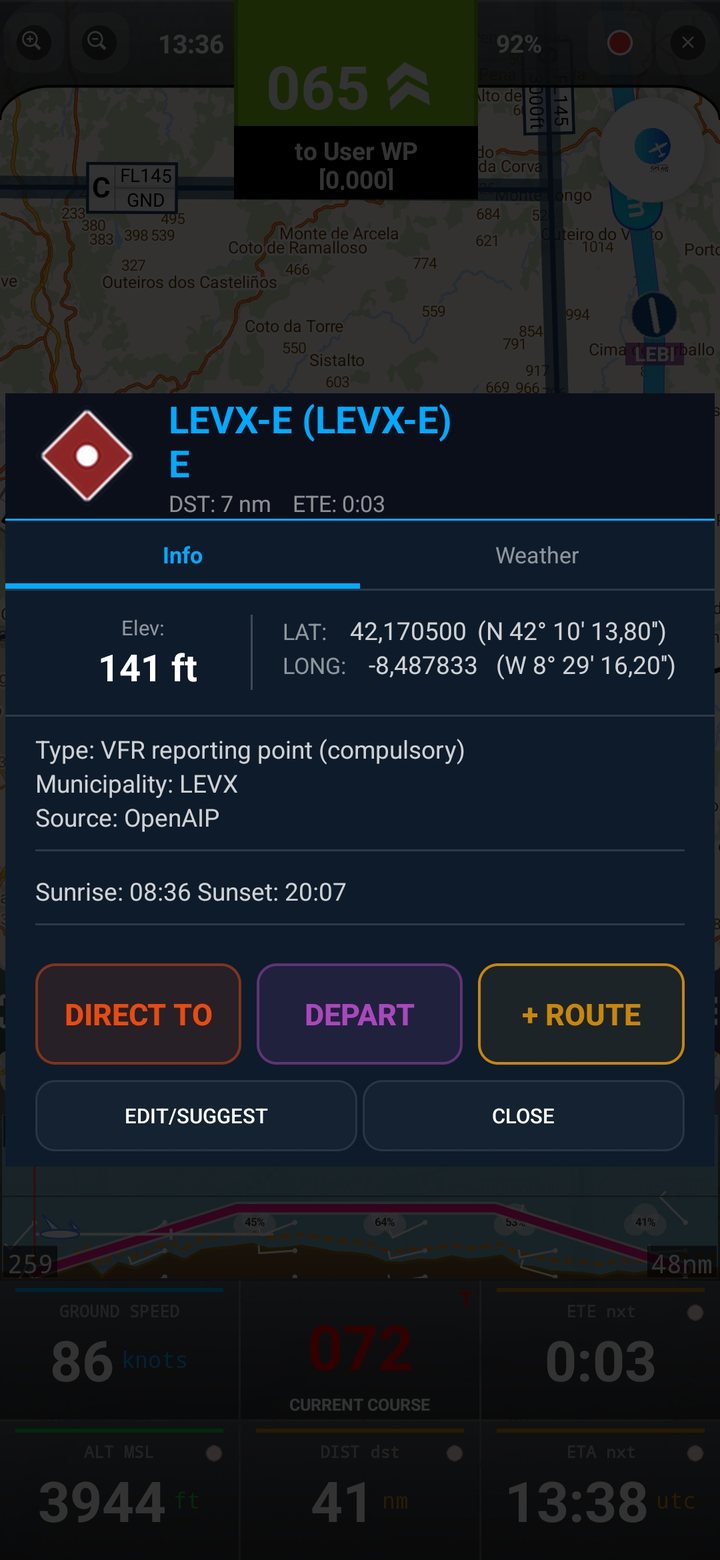
VFR reporting points
Compulsory & optional
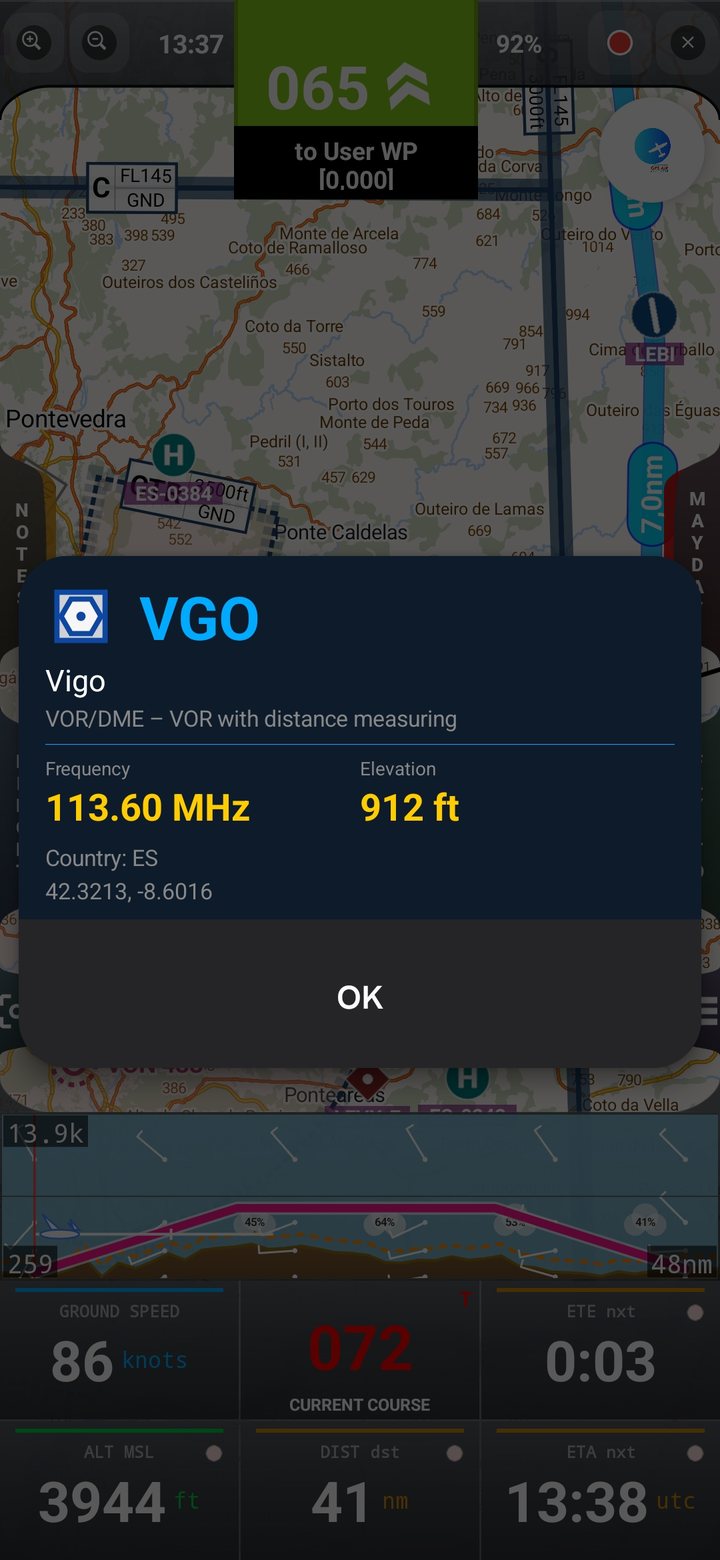
Navaids
VOR, DME & NDB
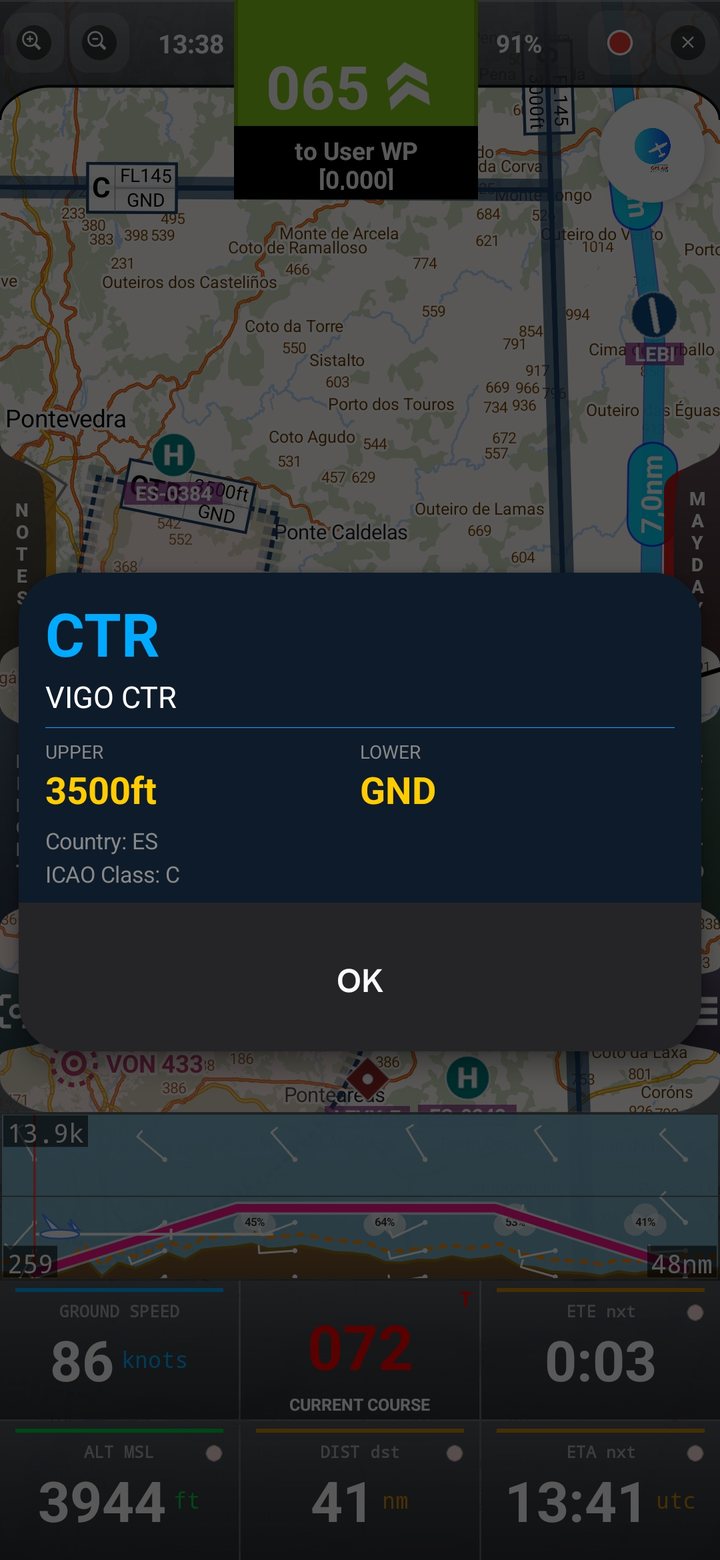
Airspace detail
Limits & activation
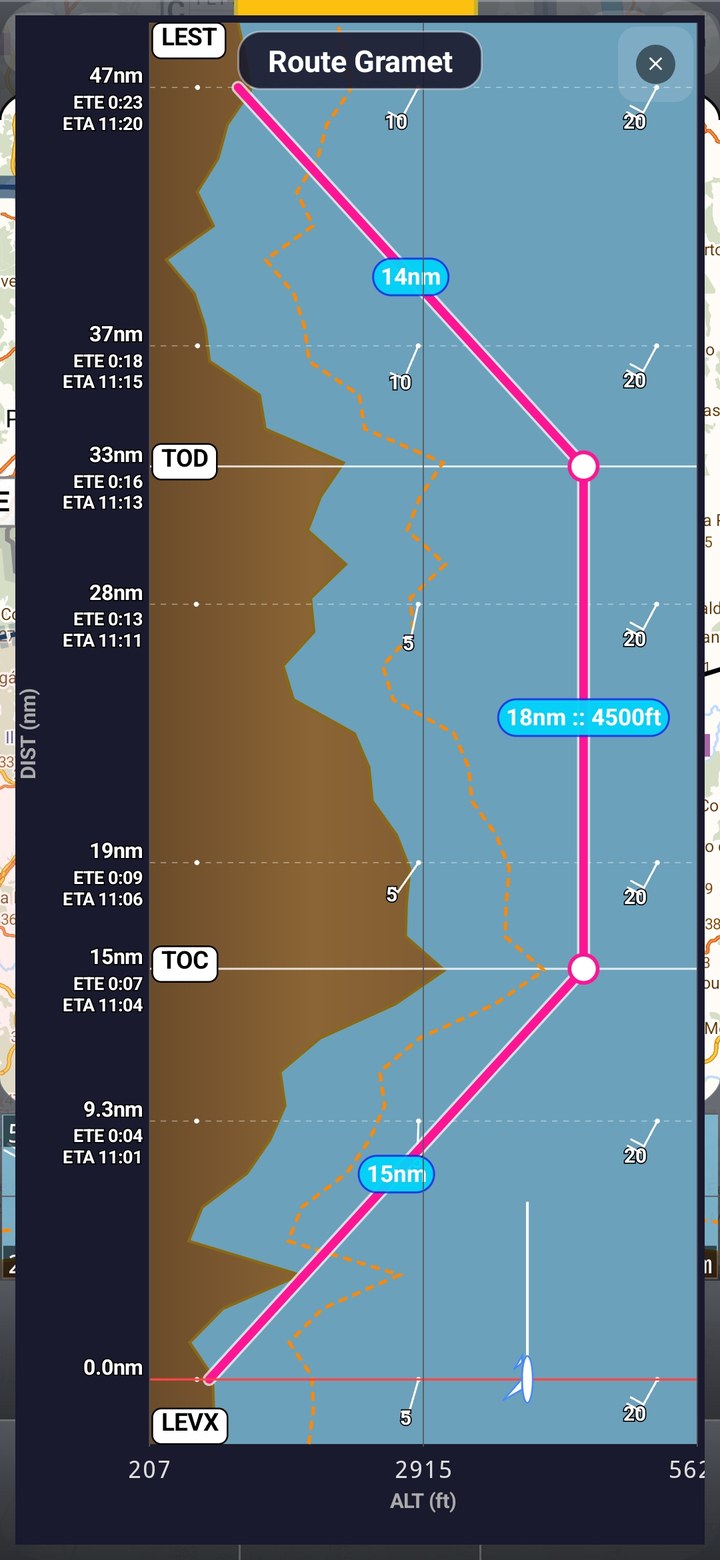
GRAMET
Terrain + weather along route
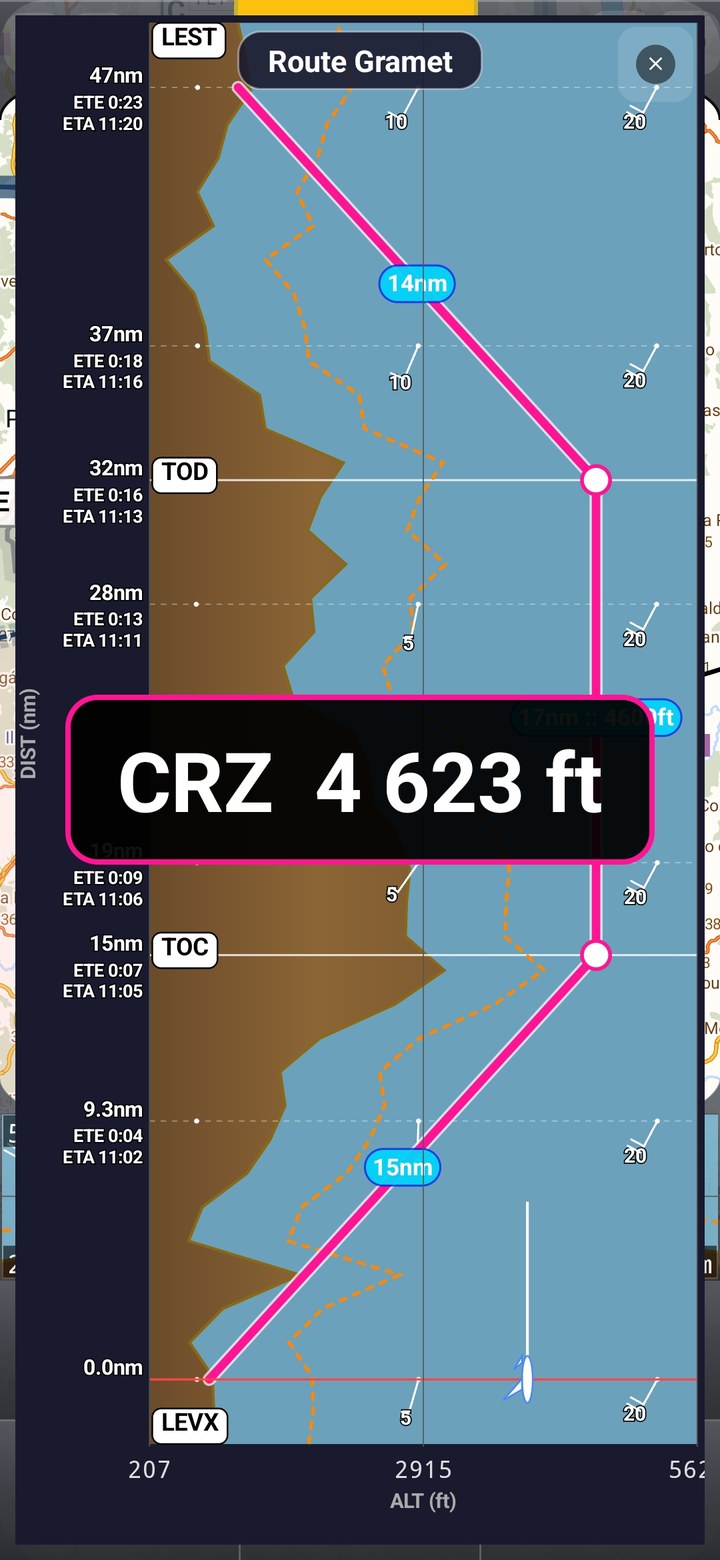
Edit the profile
Drag TOC, TOD and cruise
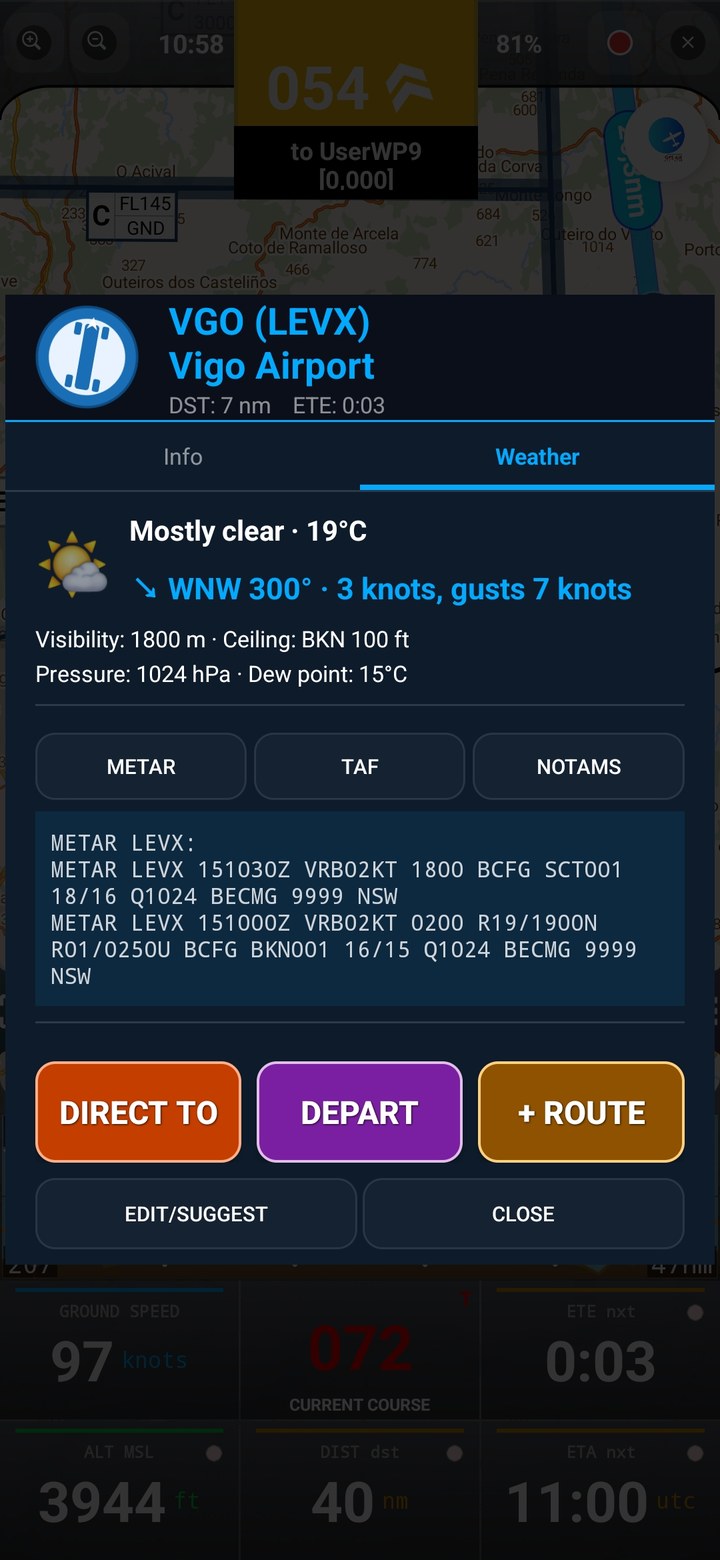
METAR / TAF
Weather at any airfield
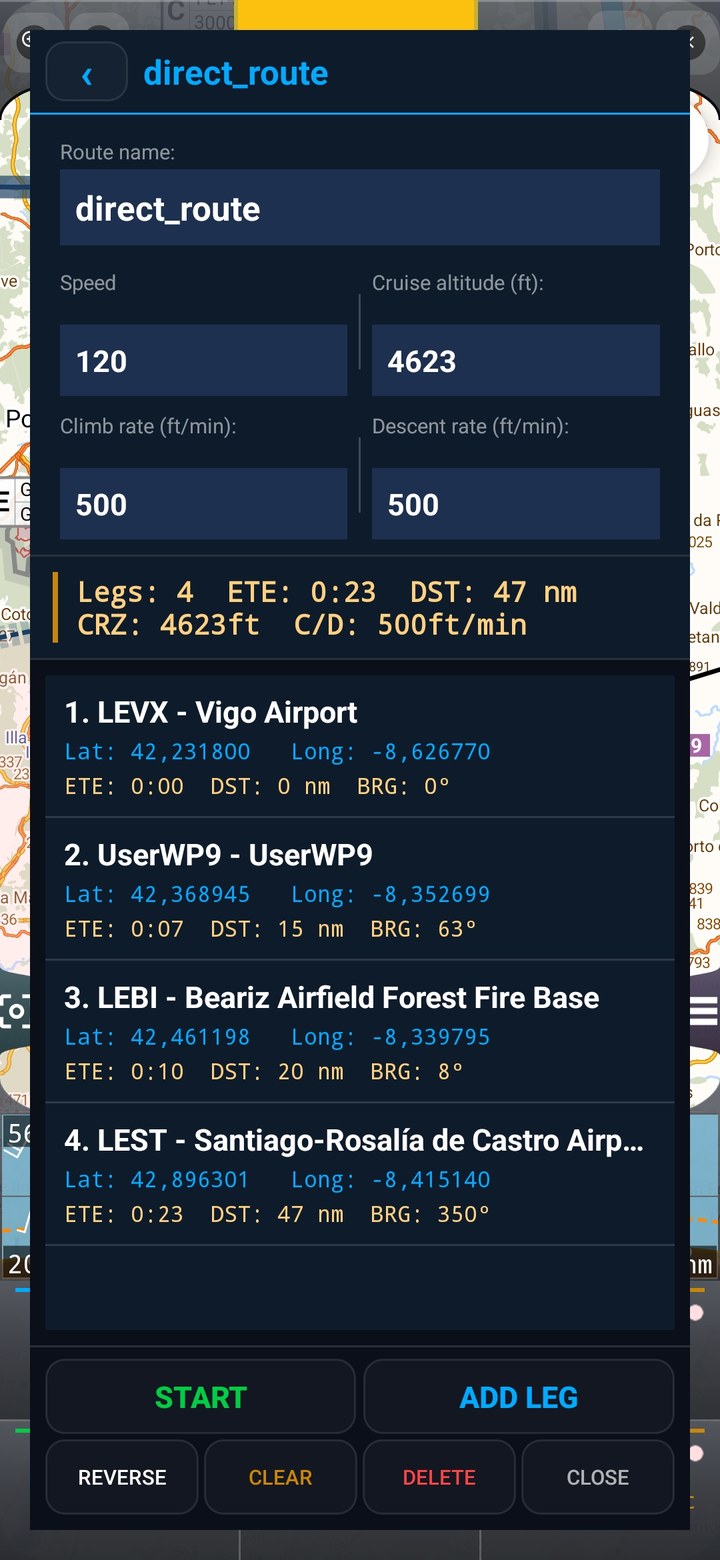
Routes
Multi-leg flight planning
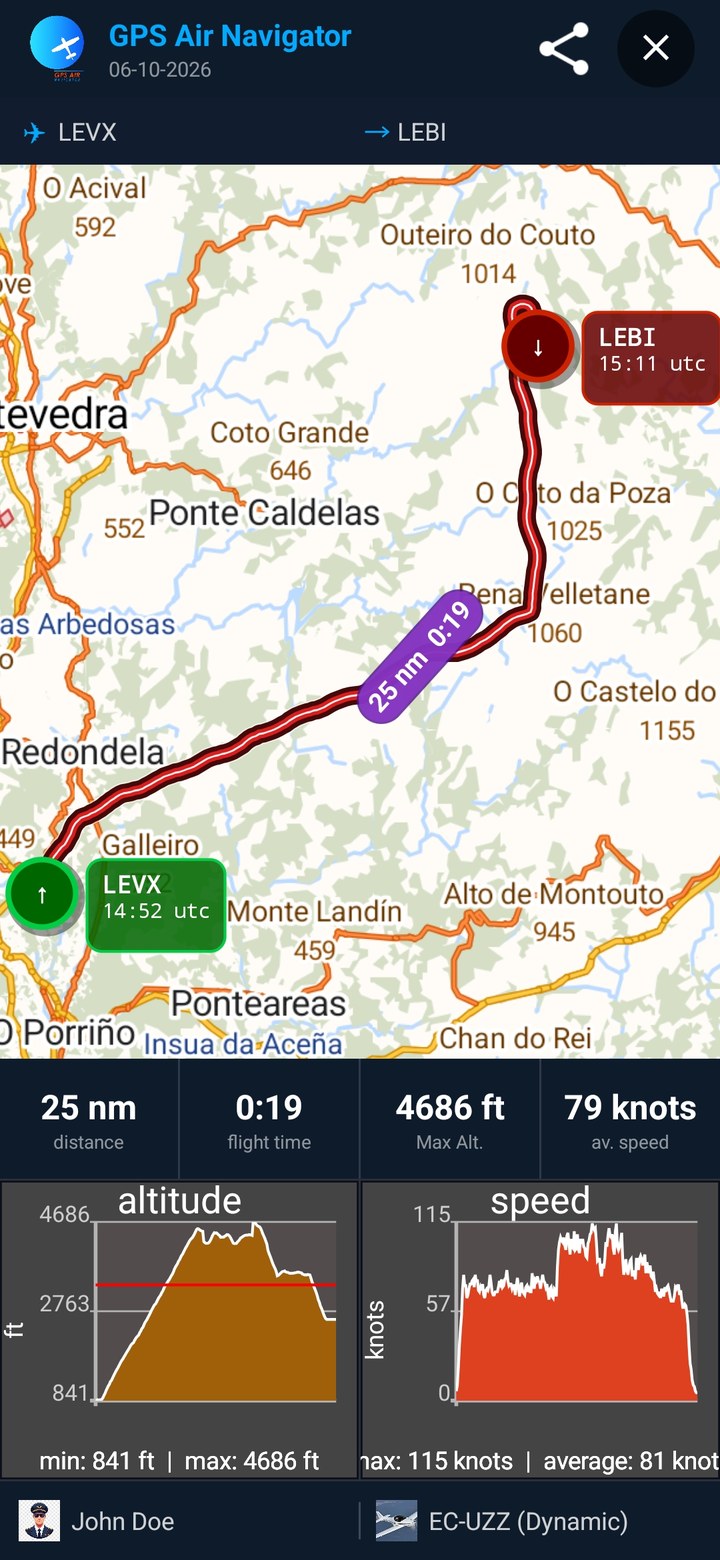
Flight profile
Speed & altitude graphs
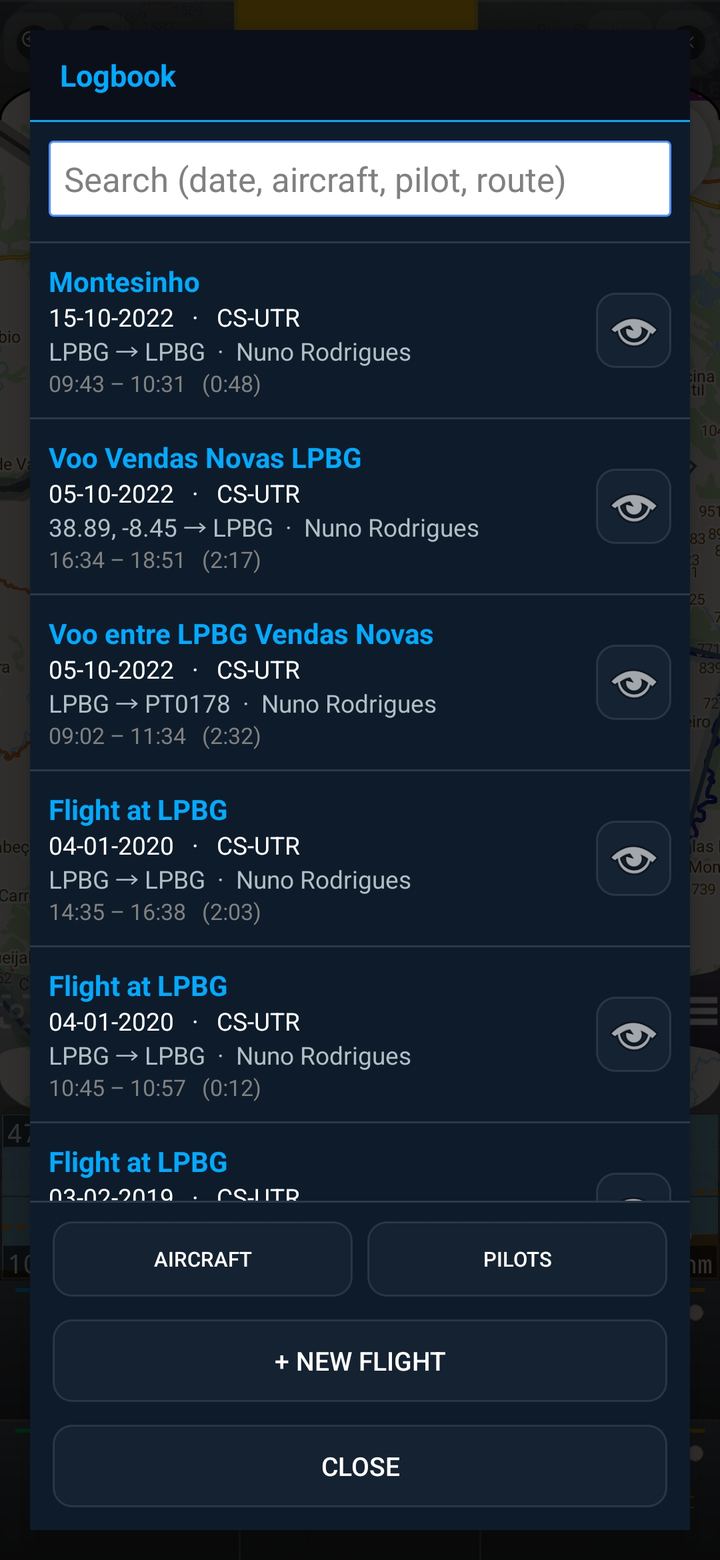
Logbook
Every flight, recorded
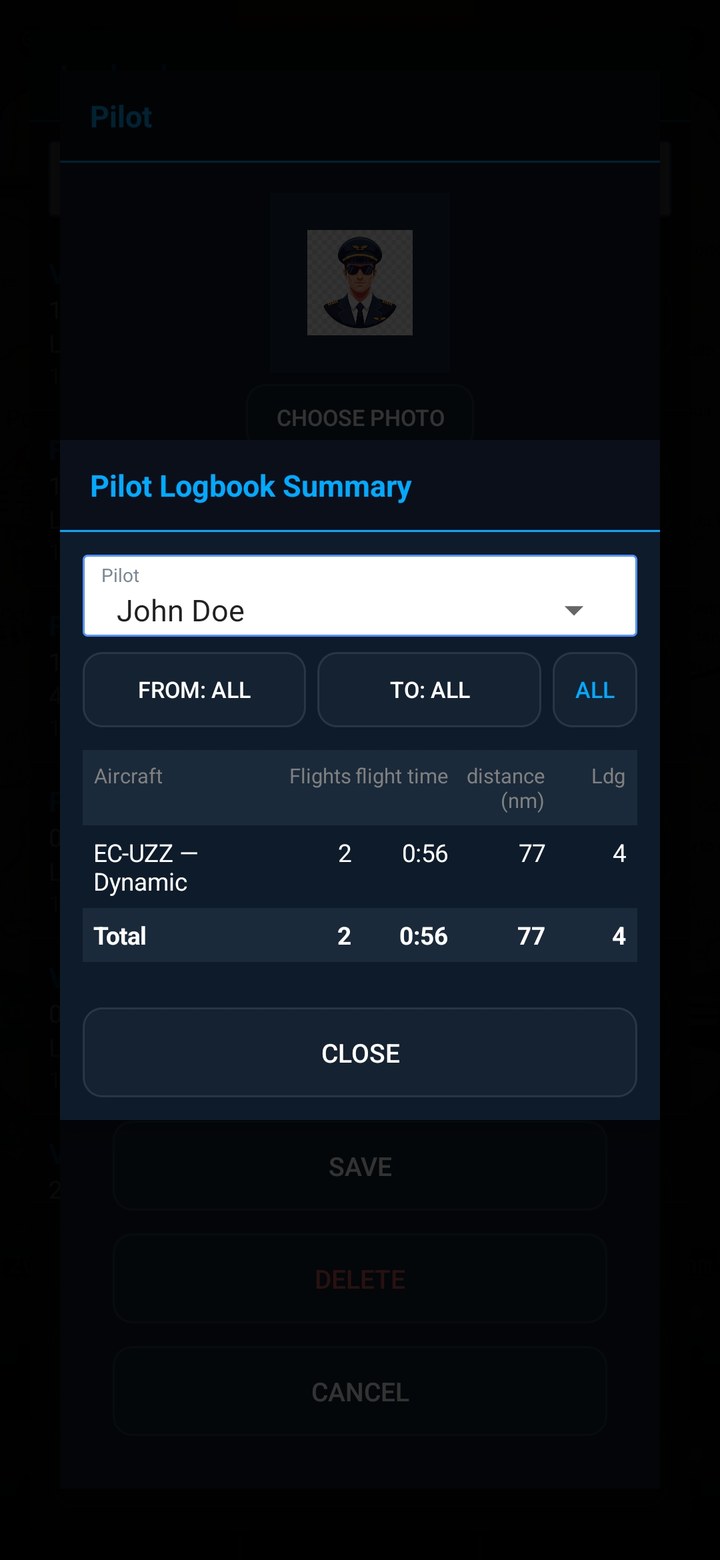
Logbook summary
By pilot and by aircraft
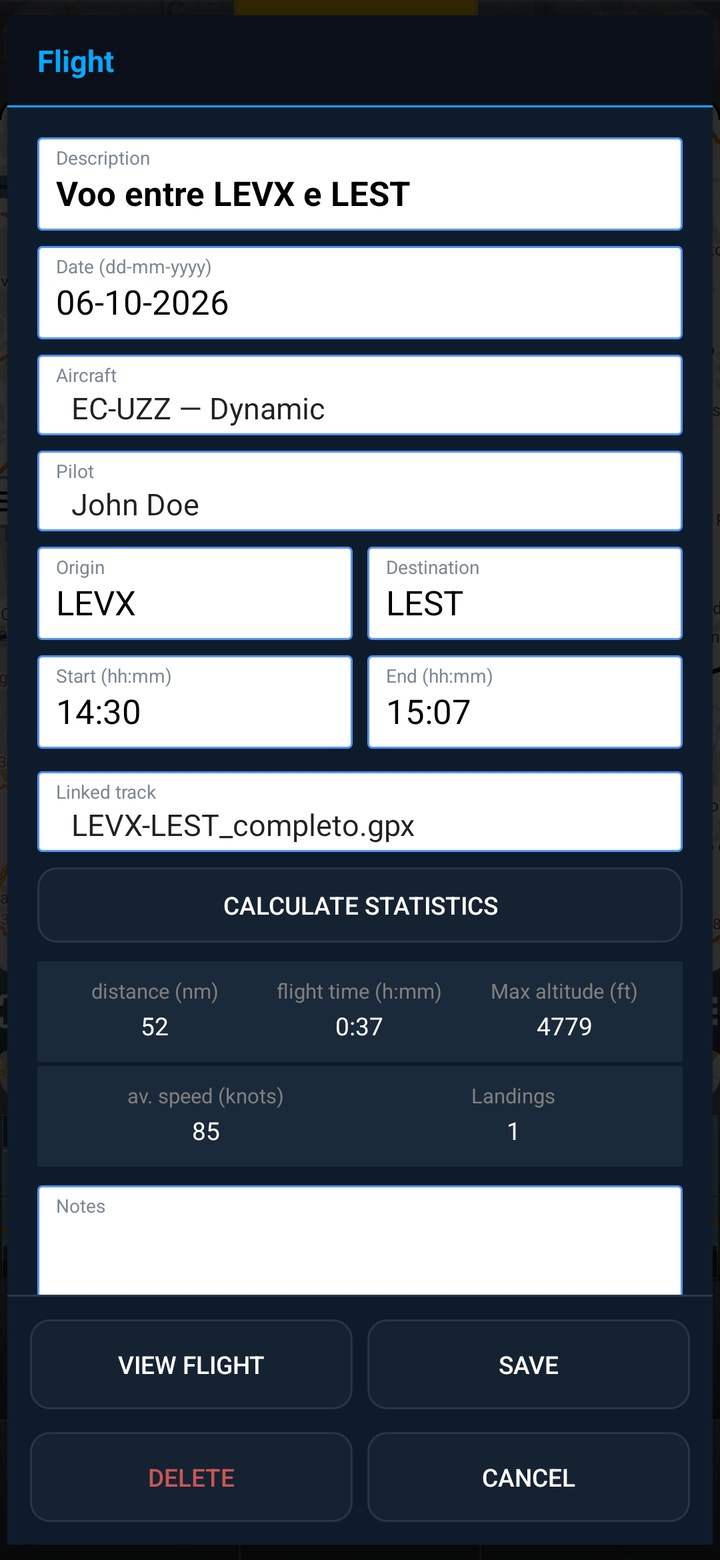
Flight details
Landings & editable stats
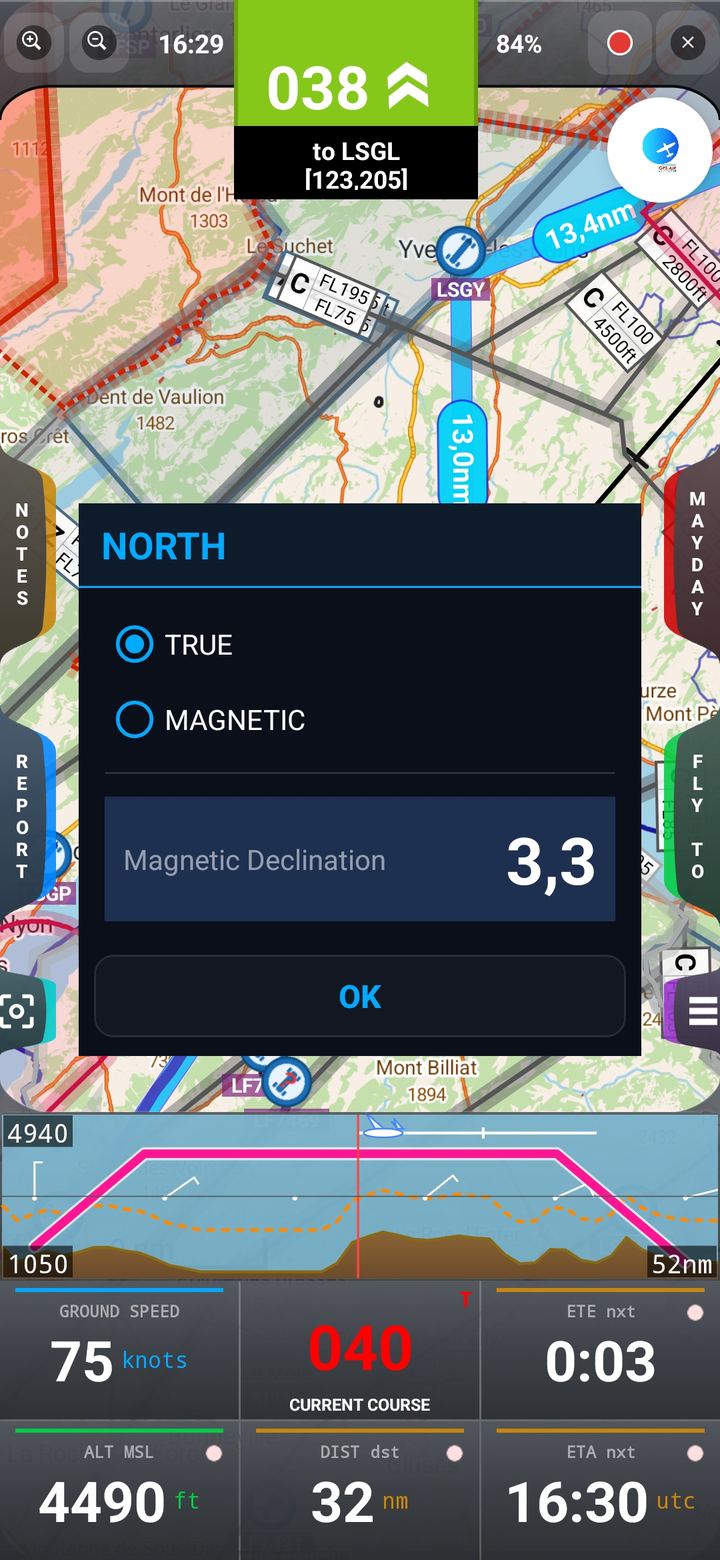
North mode
True or Magnetic
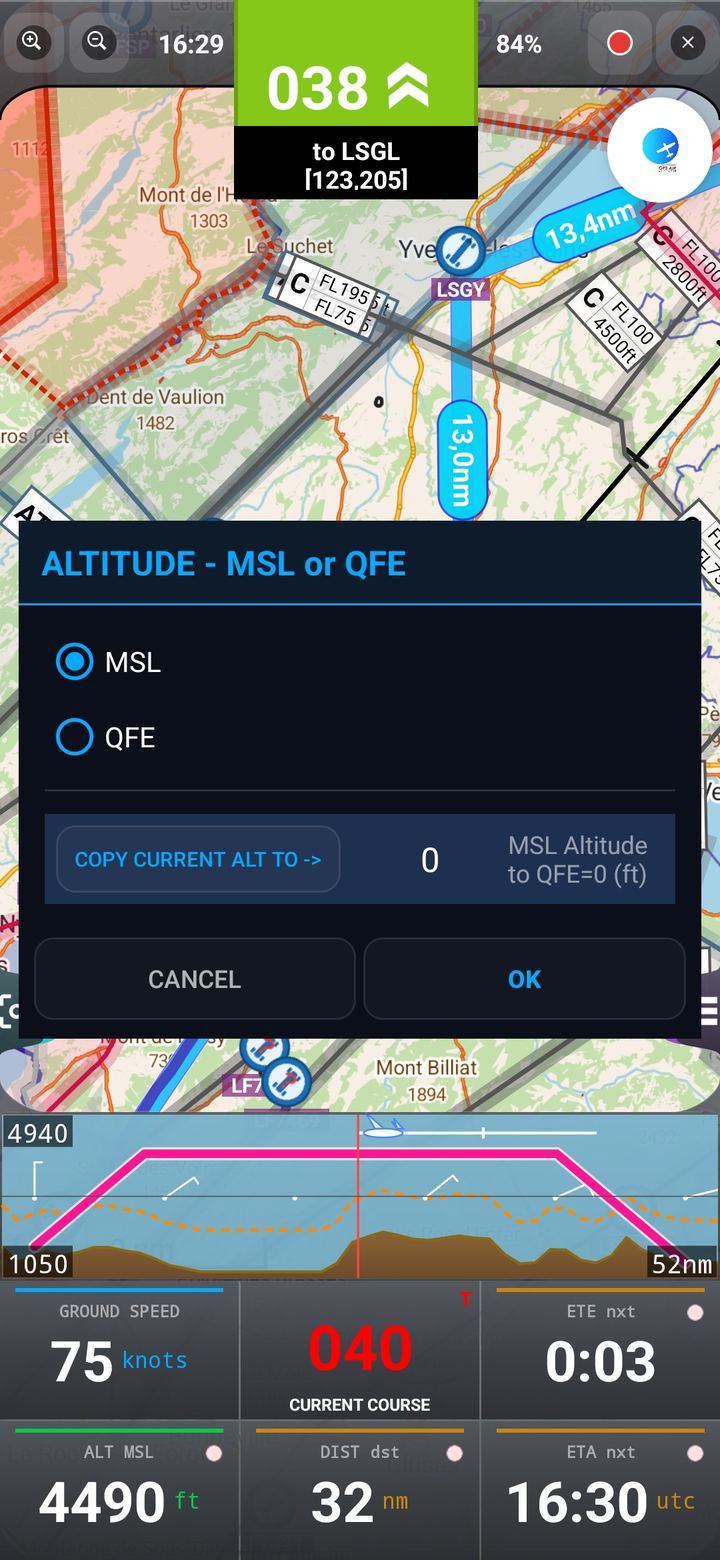
MSL / QFE
Altitude reference
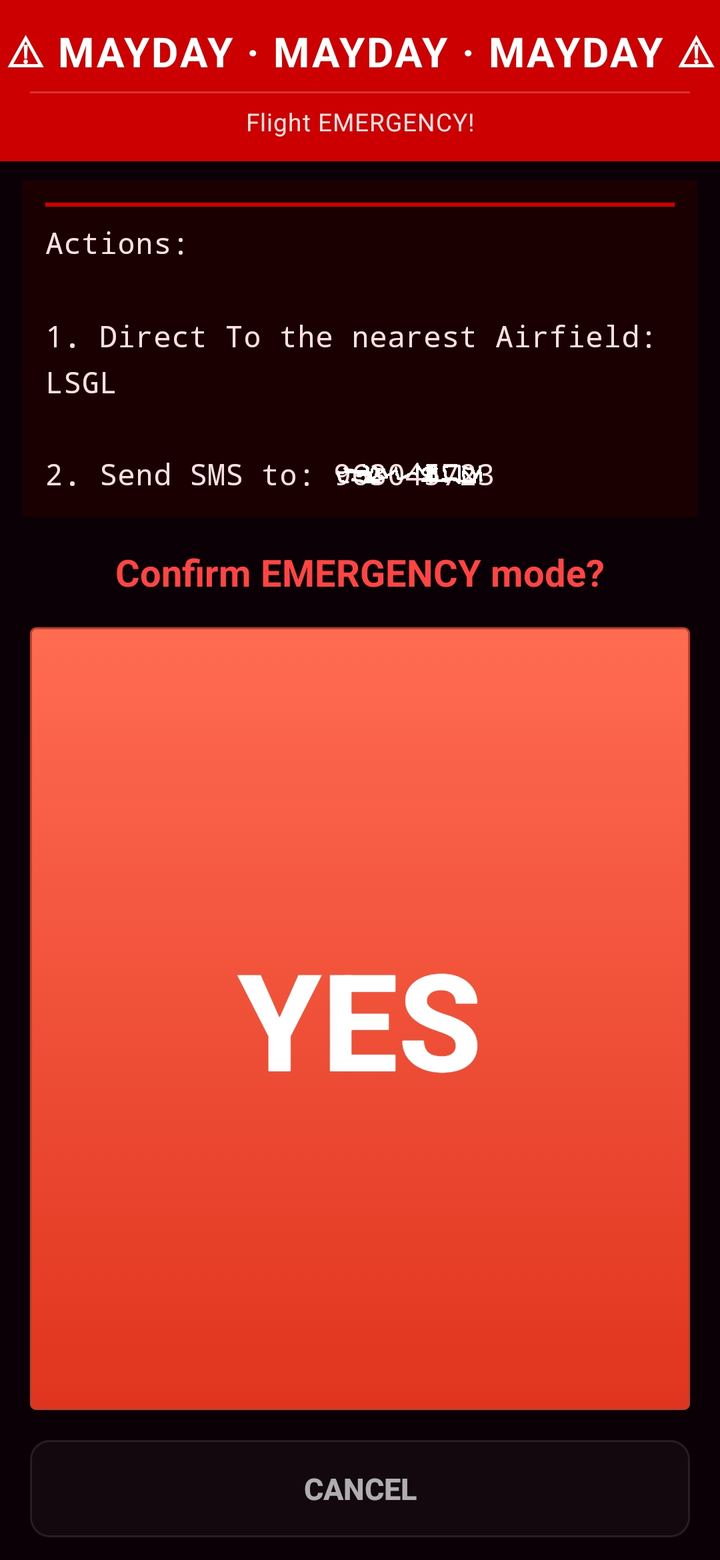
MAYDAY
Emergency position
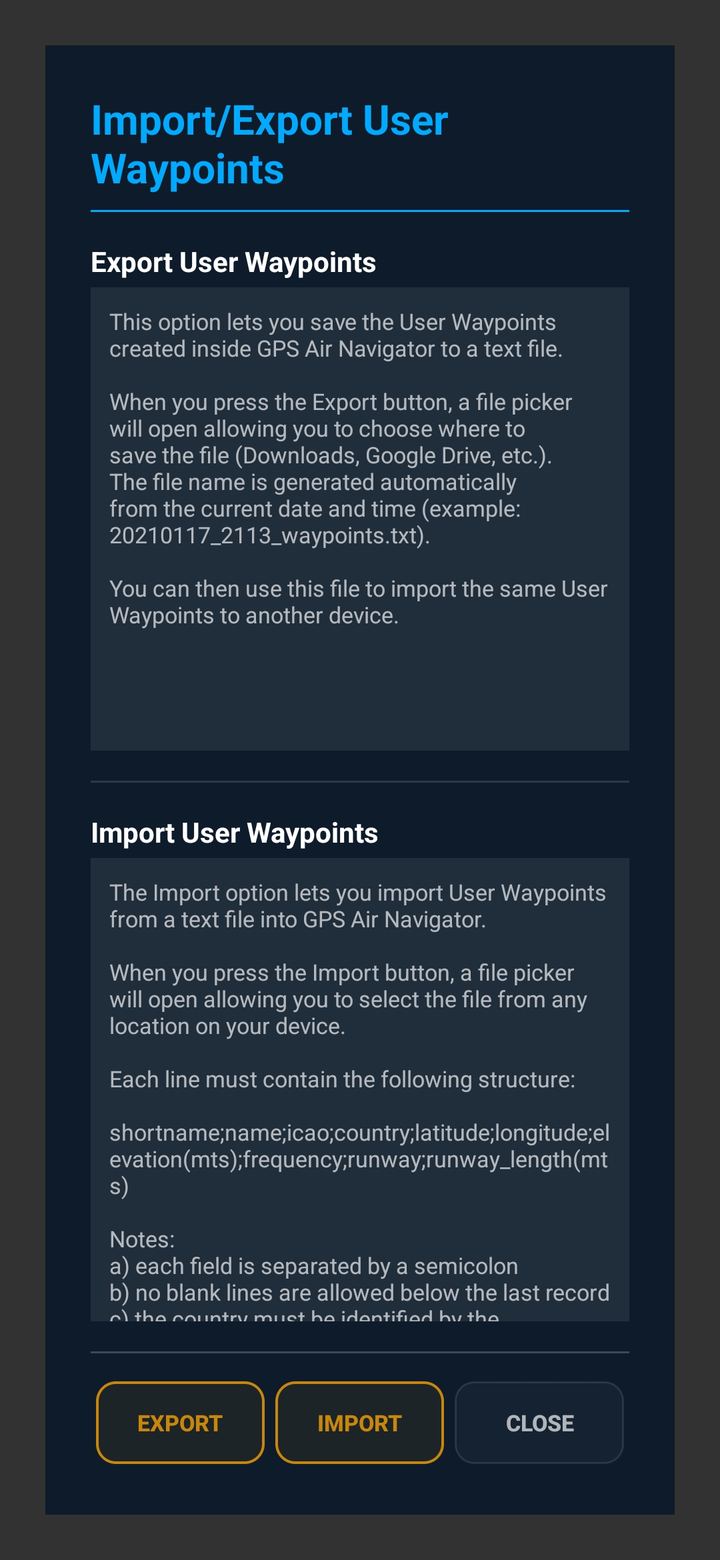
Import / export
Share waypoints
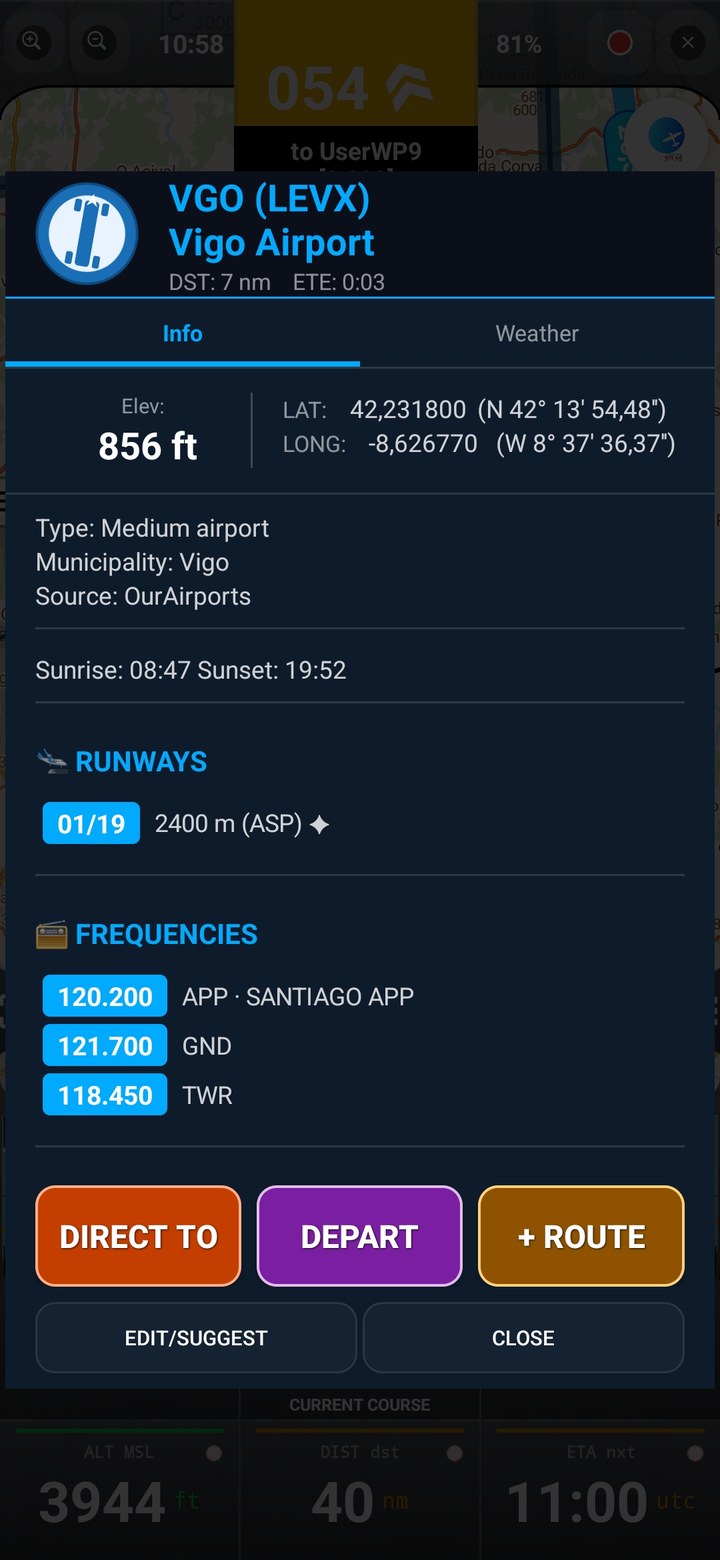
Waypoint info
Runways & frequencies
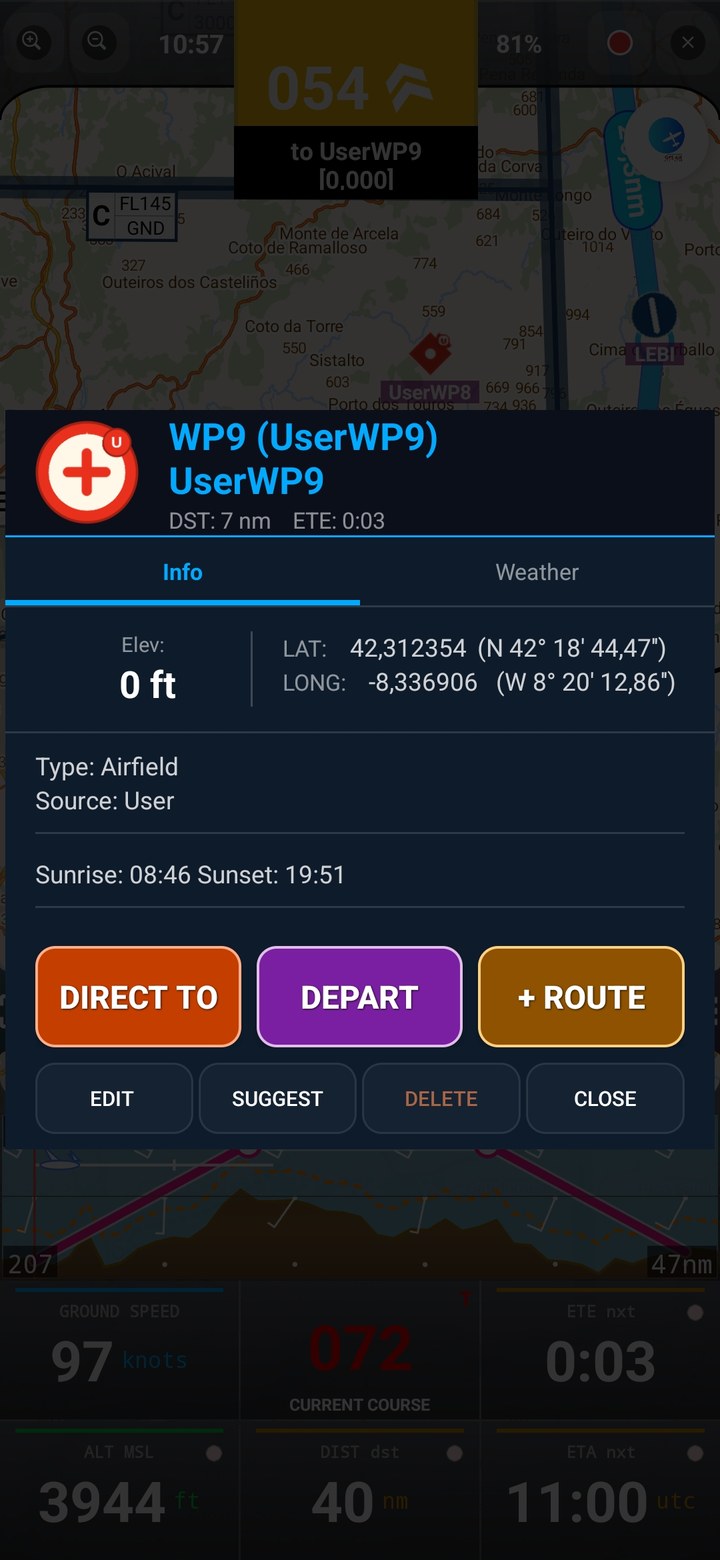
User waypoints
Airfield type
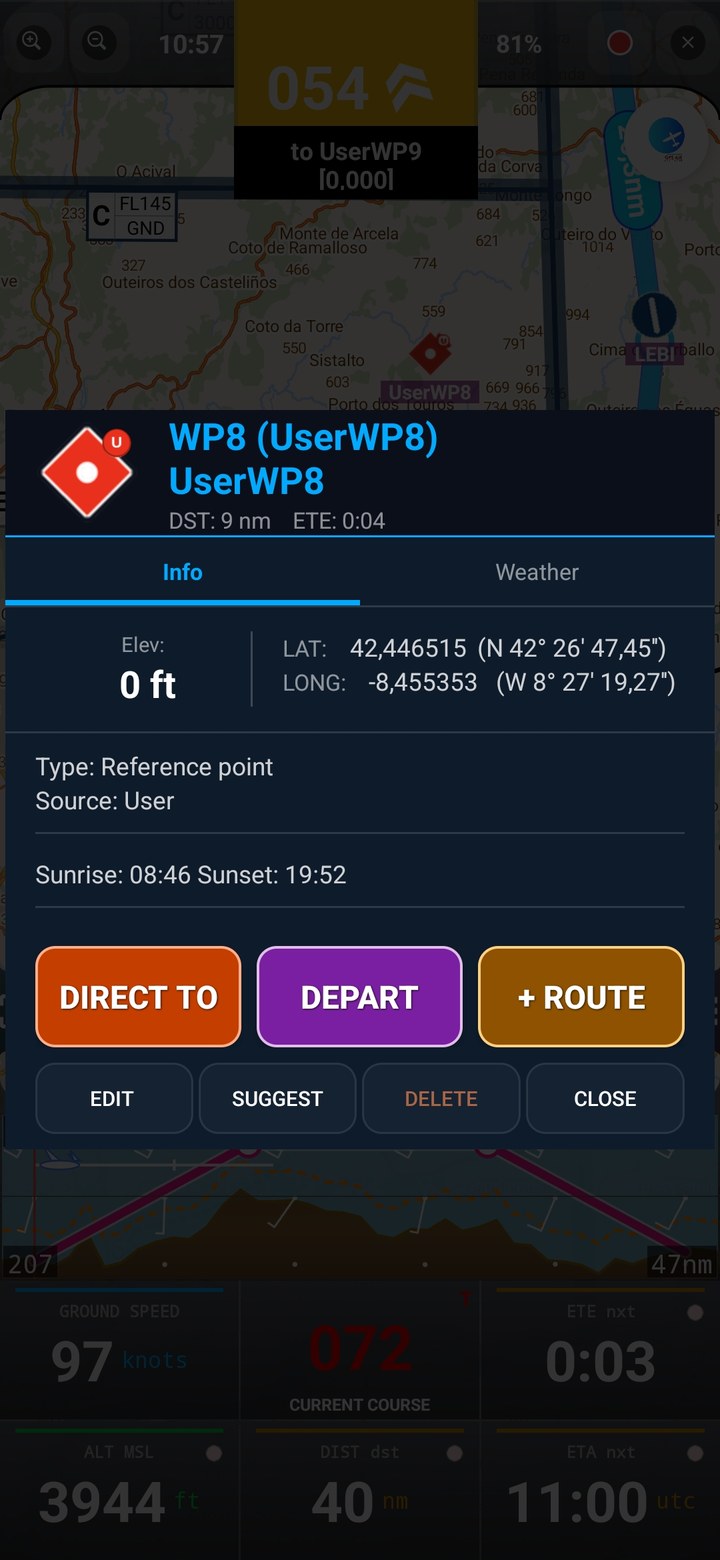
Reference points
Mark your own points
Position report
Everything on one screen
← swipe to see more →
Simple pricing
Try it free. Fly with it forever.
Every feature is unlocked during the trial. Prices are set and billed through Google Play and may vary by country — see the exact amount on the purchase screen.
Free Trial
- Full feature set unlocked
- Up to 2 user waypoints
- 20-minute flying sessions
- No account or card required
Annual Subscription
- Unlimited use, no session limits
- Unlimited user waypoints
- All features included
- Works on all your Android devices
Lifetime Licence
- Pay once, use forever
- Unlimited user waypoints
- All features included
- Works on all your Android devices
Indicative prices. There may be small variations between countries due to VAT and currency conversion rates. The exact amount is shown on the Google Play purchase screen.
Need a hand getting started?
The Quick Start Guide walks through every screen — from your first route to reading airspace and terrain on the map.